
Which is Better: Cloud or On-Site Servers?

The Pros and Cons of Cloud vs in house servers - Arrow Voice & Data

On-site servers are the traditional way to run business applications. Today, however, they face stiff competition from the cloud, a platform that has revolutionised the way companies operate. While the ultimate decision about which is best depends on the needs of the individual company, here, we’ll examine the pros and cons of both, to give you a more informed understanding.

Costs

Mobile App Development Cost Breakdown: 10 Biggest Hidden Costs

Though on-site servers are exceptional pieces of high-performance equipment and can be built to your own specification, they are very expensive to purchase. What’s more, as technology quickly advances, they can soon become obsolete. The use of more resource-heavy apps and the increasing amount of data being stored means businesses regularly need to upgrade to more powerful servers with bigger drives – a constant burden on budgets, especially when you need to keep redundant backup servers ready to take over in case of a hardware failure or other disaster. In addition, there are all the associated costs of running servers in-house: energy, premises, security, insurance, maintenance and management.

The cloud offers a completely different type of model: Infrastructure as a Service (IaaS). IaaS allows an organisation can dispense with its own datacentre and run its applications on the infrastructure of its service provider. There is no need to buy the hardware, maintain a datacentre or pay any of the associated costs. These are all taken care of by the vendor. Of course, the service isn’t free but the costs are paid monthly making it easier on cash flow.

Furthermore, it’s the cloud vendor who will cover the costs of hardware upgrades and ensure that the hardware is maintained. Unlike on-site servers, the virtualisation used in cloud computing means your applications will remain online for 100% of the time even in the event of hardware failure.

Software
Software 101: A Complete Guide to Different Types of Software

Businesses with on-site servers have complete freedom over their choice of software and this enables them to keep using legacy applications which may not work in a cloud environment. That said, the majority of applications can be migrated to the cloud without issue and there are many cloud-native applications, including advanced tools like artificial intelligence and machine learning that work best in a cloud environment.

Another consideration is accessibility. With the cloud, a business will need internet connectivity to access applications. While this was a drawback many years ago, today, nearly all businesses and their machines have internet connections and users will be able to just log in and go, whether they are in the workplace or working remotely. Applications that run on an on-site server don’t need an internet connection for users to access them. However, users will need to be connected to the business network and this means they won’t be able to access the apps remotely.

Though not every business needs quick deployment, cloud-based applications can be deployed in minutes. With an on-site server, they may need to be installed on the server and, in some instances, on each users’ workstation. For companies that need to move quickly, the cloud can provide accelerated development.

The final thing to consider is software cost. Most applications used in the cloud are open-source and free. When it comes to proprietary software, those with on-site servers will have to pay the full cost of the software licence, while in the cloud, you’ll often find the vendor has purchased a licence that enables them to share the software with clients for a reduced cost and this will be spread over their monthly payments.

Security

Security Policy

While some companies might worry over the security of the cloud, it’s worth remembering that cloud providers have to comply with stringent regulations to keep their infrastructures secure.

The chief security benefit of an on-site server is that its single tenancy offers potentially greater compliance for the storage of sensitive data. Of course, that all depends upon how secure the on-site server is. Implementing advanced security measures comes at a cost that is too high for many businesses. With cloud vendors investing heavily in security expertise and the latest tools, like next-gen firewalls and intrusion and malware prevention, they often provide more robust security than can be implemented in-house.

Scalability

Scalability in Cloud Computing & Why We Love AWS | Logicata

As mentioned earlier, businesses are using more resource-hungry applications and collect more data. Scaling up horizontally in a datacentre can be very expensive, whereas scaling vertically by upgrading your server will mean taking it offline and paying for the new components. Neither of these is ideal, especially when peaks in demand require additional resources to be instantly available.

In the cloud, scaling up just means using more of your vendor’s vast datacentre resources and this can be done at the click of a button. What’s even better is that scaling up and down can be done on demand and is charged for on a pay as you go basis, so there is no long term charge for additional resources which aren’t used. This is far more cost-effective than paying for additional on-site hardware that largely remains redundant.

Conclusion

Cloud and on-site servers are both powerful solutions. On-site dedicated servers are best suited for high-performance applications and single tenancy storage compliance whereas the cloud is ideal for high availability, scalability and swift deployment. Additionally, the cloud is less expensive, offers access to digital transformation technologies and provides internet connectivity for users to access the system remotely.


4 Ways Your Web Host Affects Your Google Ranking

What's the Difference Between Web Hosting and Domain Hosting? | Elegant Themes Blog

During its latest algorithm update in May 2020, Google has tweaked a number of its ranking criteria which are directly related to the quality of your web hosting. Here, we’ll look at what aspects of your hosting can influence your website’s ability to rank and explain how they are important.

1. Site loading speed

9 Ways on How to Improve Your Website's Loading Speed

Site speed is important to search engines because it improves the customer experience. Slow-loading websites have much higher abandonment rates because users just aren’t willing to wait for them to load. For this reason, the slower a site performs, the less likely Google will feature it in its results – it looks bad on them. What’s more, to do well, the site needs to perform quickly on both mobile devices and PCs.

Website loading times are an important web hosting feature for Google. While there are several things you can do to speed up your website that don’t rely on hosting, such as image optimisation, compression, minification, caching and the use of content delivery networks, ultimately, the performance of your server is critical.

Google takes note of a number of timescales when judging performance, such as the time it takes to start loading content on a browser, how quickly the page becomes interactive and how long it takes for your server to respond to an action performed by the user, for example, clicking on a link. If your server performs too slowly on any of these criteria, it will affect your page’s ability to rank.

Choosing a web host that uses high-performance servers, such as those with SSD drives and Intel Xeon processors can speed up performance dramatically. So, too, can upgrading to a more powerful solution, such as VPS, cloud or dedicated server.

2. Server uptime

100% Server uptime – why aren't you achieving it?

While Google doesn’t like sending users to slow loading website’s, it is perhaps even less happy about sending them to sites which are frequently offline. If it keeps supplying links to sites which aren’t there, people will use an alternative search engine. Google, therefore, monitors the amount of time that websites are online and uses this as part of its ranking algorithm.

There are numerous reasons your site can go offline. Some of these are related to things you do on your site, such as putting it into maintenance mode or causing it to crash through installing incompatible software or making coding errors. Other reasons can be due to your web hosting, such as when your server needs its operating system patching and updating.

With some hosting solutions, however, the amount of time your website goes offline can be unacceptable to Google. For example, if the hardware is outdated, unreliable and keeps breaking down or if too few resources are available for shared hosting accounts that the server simply can’t cope with the amount of traffic. In these instances, it can affect the site’s ranking ability.

To protect yourself, ensure your web host offers guaranteed uptime backed by service level agreement (SLA). The minimum you should be looking for is 99.95% uptime. If you require 100% uptime, then you need to choose a cloud hosting solution.

3. Server location

How Server Location Impacts Your Website

Data needs to travel from A to B and the further it has to go, the longer it takes. This increases latency, making your server respond slower to requests from a user’s browser and, thus, reduces site speed.

While it is possible to speed up global loading times using a Content Delivery Network (CDN), this only works for static website data, i.e. website content that remains the same. For websites that provide lots of dynamic data, i.e. pages that change for individual users or which display things like product search results, the nearer the server to the browser, the better the performance.

Ideally, therefore, you need a server geographically located closer to where most of your traffic comes from. If you are a UK based company, it makes sense to have your website hosted on servers in a UK based datacentre.

Some web hosts, however, store their data all over the planet, much of it in huge US data centres. Even if the company is UK based, its servers may be anywhere. At eukhost, all our datacentres are located within the UK.

4. SSL certificates

SSL Certificates | BigCommerce Tutorials - YouTube

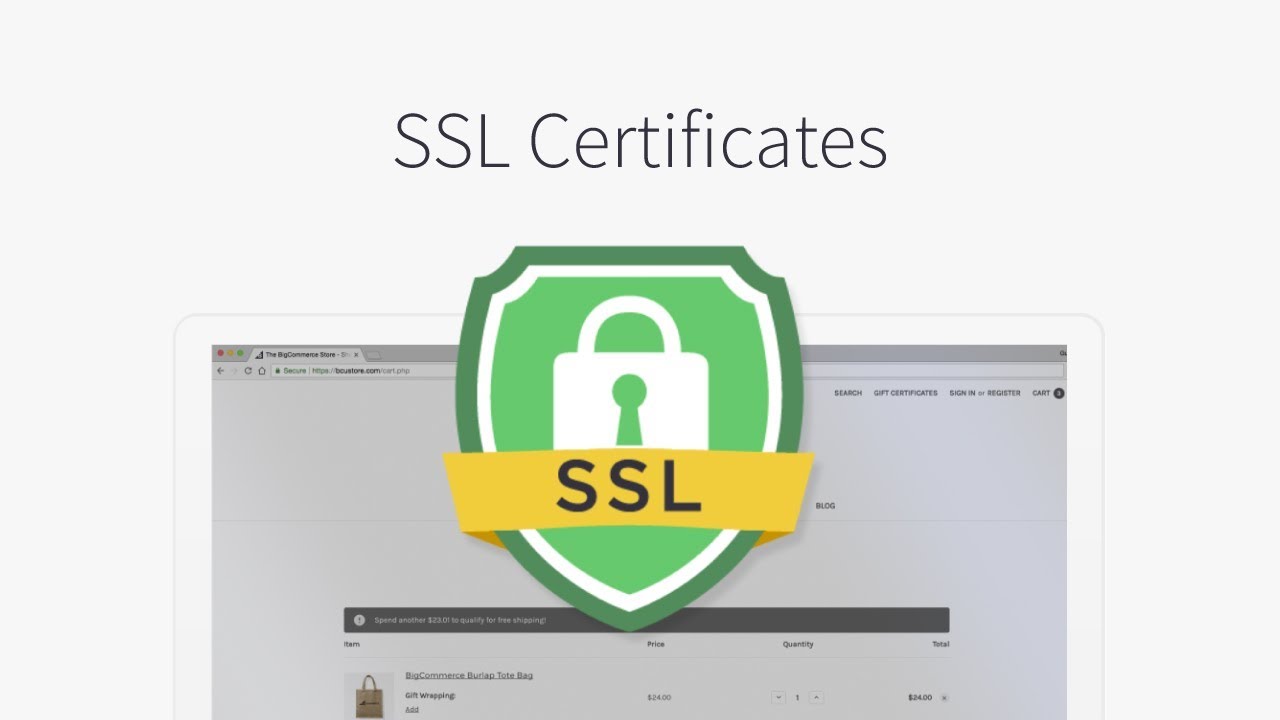
The padlock icon displayed on browsers is a clear indication of how seriously Google takes security. The last thing it wants is to send its users to sites where their financial data may be at risk of interception because of an insecure connection between the browser and the website.

Today, the security of that connection is key to performing well in search engine results. The only way to obtain a green padlock icon is to install an SSL certificate that will encrypt data travelling between the browser and the server. These are normally obtained via your web host.

There are different types of SSL certificate and the one you need depends on the level of security required for your organisation. A good web host will provide all the different types available and give technical help to install it if required.

Perhaps less well known is that a basic Domain Validated SSL can now be obtained free of charge from the Let’s Encrypt certificate authority. eukhost, which is a sponsor of Let’s Encrypt, enables its customers to install these free Domain validated SSL certificates directly from within your cPanel control panel. Many web hosts, however, prevent this, forcing customers to buy alternate SSLs and pay an annual fee for their use.

Conclusion

In its drive to provide better services to its users, Google is pushing websites to up their game. From a web hosting perspective, this means having a site that loads quickly on all devices, has minimal latency, is reliably online for 99.5% of the time or more and which provides secure, encrypted connections. Websites with these things in place will find themselves better positioned by Google’s algorithm.

error: Content is protected !!