
While all websites need to protect themselves from hacking and infection, eCommerce website that carry out online transactions and collect customers’ financial and personal details need to take extra special care. In this post, we’ll show you some essential tips to keep your online store safe.
1. Use a secure eCommerce platform

All website platforms have their strengths and weaknesses but some are more secure than others or have security plugins that can make them more robust. Magento is a CMS specially designed for eCommerce website and with security features built around the needs of online stores. WordPress, the world’s leading CMS, has numerous plugins you can use to keep the site secure, including the well-established and respected Wordfence and Sucuri.
These defences can protect your site against a range of threats including malware infection, SQL injections, Denial of Service attacks, cross-site scripting and zero-day exploits.
2. Make sure you scan for malware

Most web hosts offer a malware scanning service that detects and prevents the various types of malware infecting your files. Using such services can prevent these stealthy programs carrying out their malicious activities, such as ransoming your site, stealing your data, infecting your users’ computers and so forth. Ideally, choose a service that will notify you immediately if an infection has been found.
3. Install SSL certificates
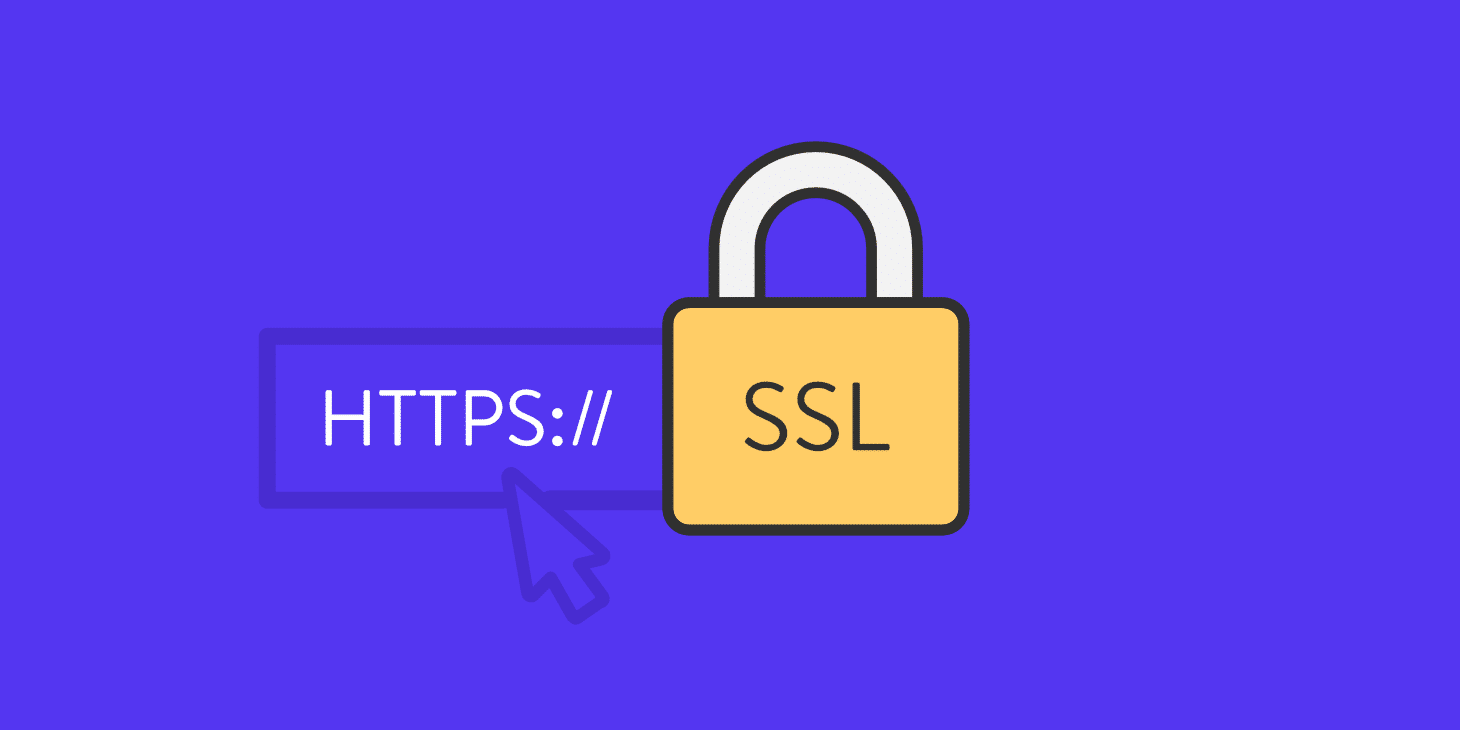
SSL is essential to online stores, as most payment gateways won’t allow you to undertake financial transactions on your site without it. Essentially, installing an SSL certificate enables the encryption of financial data as it is sent from the customer’s browser to your server, thus preventing it being stolen during the checkout process.
With an SSL certificate installed, your web address changes from ‘HTTP’ to ‘HTTPS’ (S standing for Secure) and this enables search engines to put a green padlock icon in your visitors’ browser, increasing the likelihood that they will trust and buy from you. It also increases your chances of ranking higher.
4. Better management of customer data

Customer data is valuable to hackers as they use it to steal from people or sell it on the dark web to other criminals. If you collect customer data, this means you are a target for hackers. That said, a criminal can’t take information if you haven’t got it. The first rule of managing customer data, therefore, is to only collect the information you actually need. If that information can be taken anonymously, so it cannot be linked to individual users, even better. Encrypting data, such as with the SSL certificates mentioned above, also makes it more secure. Finally, consider where you store your personal data. If it is stored along with your website files it is more vulnerable than being stored remotely, perhaps in the same place where you would keep your remote backups.
5. Enforce strong passwords or use 2-step authentication

While strong passwords can be a pain to use and two step-authentication makes signing in take longer to do, both of them massively reduce the chances that you, your employees or your customers will fall foul of a brute-force attack.
As modern computers and phones securely store strong passwords for you, so that people don’t even have to know what they are, there is really no excuse for not using these measures.
6. Train your employees in security

Unwittingly, employees are a major cause of cybersecurity breaches. Using weak passwords, clicking on links in infected emails and sending valuable information to fake emails that pretend to come from their bosses are all common ways for eCommerce website to get caught out.
One simple solution is to train your employees so they know what the threats are and how to stop them. You can also put essential good practice into your IT policy to ensure that your staff know they are obliged to follow the rules you set.
7. Use authentic plugins and themes

There are tens of thousands of themes and plugins available for the various CMS platforms and these can be obtained from a variety of online sources. Not all of them, however, are guaranteed to be secure. It wouldn’t take very long for a criminal organisation to develop a theme or plugin with a built-in virus or spyware and make it available on a third-party website as a legitimate piece of software. Indeed, such a theme or plugin could function perfectly without you knowing it was infected.
To protect yourself, always use software from reputable sources and from a verified developer. The safest place is from the website of the actual CMS, such as installing a theme directly from the WordPress Repository. That’s not to say that there aren’t any reputable third-party developers, there are. You just need to be careful.
8. Monitor website activity for threats

Website monitoring can spot risks and help you to stop attacks. It can, for example, tell you if someone is making too many failed login attempts, a clear sign that there may be a brute force attack taking place. It can indicate if people are trying to log in from countries that you wouldn’t expect your visitors to come from or if they are using usernames which they shouldn’t be using, such as ‘Admin’. Monitoring can also discover the initial signs of a DDoS attack and put a stop to it before it takes your site offline.
9. Ensure software is updated as soon as possible
Cybercriminals intentionally search the internet looking for eCommerce website that run vulnerable software. Luckily, most developers will issue an update or a patch to fix a vulnerability as soon as it is discovered. Any website that uses automatic updates or which manually updates as soon as a patch is released is immediately protected once the new version is installed. It is those websites that delay updating that leave themselves wide open to attack. In essence, its no different to leaving a shop unlocked overnight when you know there’s a burglar working in the area.
10. Use remote backups
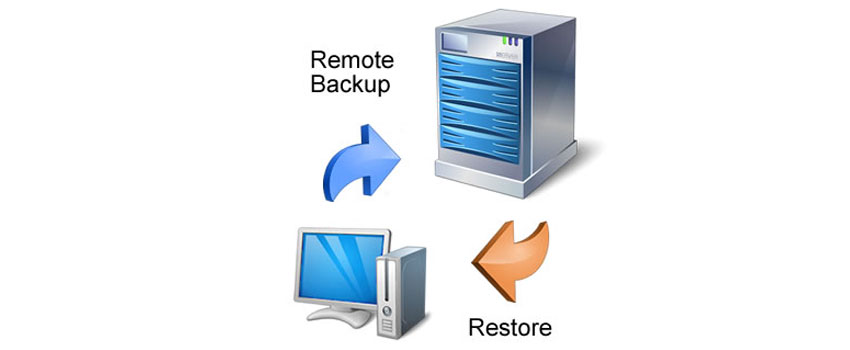
60% of companies that experience a cyberattack go bust within 6 months. For many, the reason for going under is that it takes too long to recover. Losing their website files, content, customer data and sales orders means it would take months of work to get back online, by which point, the company is no longer viable.
Quite simply, by taking regular, up-to-date backups and storing them remotely, such disasters don’t need to happen. If your site goes down, whether from a cyberattack or any other reason, a backup means it can be restored very quickly and your business can be back online in no time.
Conclusion
As an eCommerce website , it is crucial that you keep your website as secure as a traditional retailer would their bricks and mortar store. Hopefully, the ten tips we have raised here will provide comprehensive guidance on how to prevent your online store suffering from a cyberattack and, should the worst happen, show you how to recover quickly enough to keep your business from going under.