Convert a Website to Progressive Web App (PWA):Guide

Progressive web application - Wikipedia

In a very short span of time, Progressive Web Apps have made a very prominent mark in the mobile app industry.

The concept, which Google wants you know to know about, is a respite for the industry that continuously has been making the same complaints time and again –

With respect to Websites: Slow loading speed and Low Resonance Rate

With respect to Mobile Apps: Apps taking a lot of memory space, It is dependent on the network connection, and The long steps users will have to take from finding an app to starting to use it.

Since Progressive Web Apps (PWAs) are downloaded straight from a website and runs as a website as well, users get benefitted in three ways –

  • They get to save on the time that goes into first finding an app on the store, installing it and then feeding in information to get it started
  • Since Progressive Web Apps work as a website, they take up minimal device storage space, and
  • Because they work primarily as a website, the concept of cache holds true, which enables the app to run even where there is no network connection.

Benefits of PWAs: Reasons to Convert Your Existing Website to PWA

Turn Your WordPress Site into a Progressive Web App (PWA) - MobiLoud

Besides giving these obvious benefits to the users, Progressive Web Apps – the ideal combination of websites and mobile apps – have emerged as the cost-effective formula of business success as well.

The benefits that PWAs bring to businesses by being easily discoverable, by taking up less memory space, by coming with low cost of development, and lastly by running offline on a great speed can be gauged by seeing the change in growth numbers of these famous brands –

Success stories like these and a lot of them in the industry are enough to make every modern day mobile business look for the best progressive web app development company and look for ways on how to convert their website to PWA.

If you too are planning to convert the site to PWA and avail all the low investment cost benefit that the concept has to offer, you are the right place.

Here are the exact steps to How to convert your WordPress/PHP website to Progressive Web App (PWA), as shared by Google to our Team of Progressive Web App Developers (one of the perks of being one of the official Google Developer Agencies) –

But first thing first. Know the elements you would need to create PWA from a website.

What You Need Before Looking into How to Turn a Website into PWA

To convert a website into PWA, here are the three things required –

  1. An attached Android device running Chrome 52 or above,
  2. A basic understanding of Git and Chrome DevTools,
  3. The sample code, and
  4. A Text Editor

Once you have these ready, get your HTTPS website out for migration.

Step 1: Load the URL

Load Icon, Transparent Load.PNG Images & Vector - FreeIconsPNG

Clone GitHub repository from command line:

$ git clone https://github.com/googlecodelabs/migrate-to-progressive-web-apps.git

Doing this will help develop a Migrate to PWA directory with the completed code for every step. For this specific codelab, upload the work file and then make the changes there.

Once your code has been checked out, use the ‘Simple HTTP Server Application’ for serving work file on the port 8887.

After this, you will be able to load the URL.

Step 2: View the Site on your Mobile

How To View Desktop Websites On Android

In case you have Android device plugged in with your desktop, type in this in your URL – chrome://inspect. This will let you set a port forward with the help of port that you wrote before to the same port on the device.

Press Enter for this to save.

Now you will be able to access the basic version of your website at – http://localhost:8887/ on the connected Android phone.

Step 3: Add the Modern Head Tags

8 Meta Tags That Improve SEO | Clutch.co

The first thing that you will have to do is make the website mobile friendly and secondly you will have to add Web App Manifest. The manifest will describe the meta information of the site in a way that it would appear on user’s’ home screen.

If you don’t have a templating system in place, add these lines –

<head>
<meta name= “viewport” content=”width=device-width, user-scalable=no” />
<link rel= “manifest” href= “manifest.json” />
</head>
  • Viewport – The first line consists of a meta tag which specifies the viewport. This element will help you with responsiveness. After writing the line of code once you reload the site, you will find the site fitting your device precisely.
  • Manifest – In the second line of your code you have referenced the file – a movement that is needed to control how the site gets added to the home screens.

Once done, open a text editor. It’s time to write JSON. In the short_name section, specify what will show on the home screen and try to keep it within 15 characters.

Next, save your file as the manifest.json nomenclature and reload the page on Android device and go to the top right menu and opt for ‘Add to Home Screen’. Now you will be able to see your icon on the home screen!

Step 4: Add a Service Worker

Service Worker is the background script which the browser can run while the user is not on the page. It is the element that gives the offline support and gets active when the notification is pushed.

Create a Service Worker

Copy this code in a new file and then save it as sw.js.

/** An empty service worker! */
self.addEventListener (‘fetch’, function(event)
{
/** An empty fetch handler! */
});

And that’s it.

Register the Service Worker

You will have to register the code in your website’s code, for that, open up your site.js file and paste this –

navigator.serviceWorker && navigator.serviceWorker.register(‘./sw.js).then(function(registration) { console.log(‘Excellent, registered with scope: ‘, registration.scope);});

Now, the code will get executed on every single page load. Check if its working properly by reloading the page and then checking – chrome://serviceworker-internals/

Now your website will be able to prompt users to install it on their home screens and secondly, you will be able to make your site able to support push notifications and even work offline.

Step 5: Make the Site Work Offline

How to Make Your PWA Work Offline - SimiCart

First step would be to open sw.js script and get hold of caches object. Once you have that, update the code and app the entire website to cache.

Try out how it’s working now. Uninstall the present app and load it on Chrome. Next, refresh the page and select ‘Add to Home Screen’ in the right corner menu.

For abiding by the rule that when Service Worker changes, the page should reload and reinstall it, all you will have to do is add a component which has the ‘version’ of the service worker. When that changes, the install movement happens again, caching the resources that would have changed.

Congratulations, you now know how to convert a Web to PWA and if you followed the steps side-by-side, you have now even migrated your website into a Progressive Web App!

*Disclaimer*: While these steps will give you, the developer, an exact idea of how you will have to fill in the blanks and move from Point A in the process to Point C, if you are reading this as an enthusiastic entrepreneur who wishes to take charge of the migration, I would say, don’t do it without having support of an experienced progressive web app development services provider.

While these steps are explanatory, there are a number of elements that come up as part of the process when you sit with the actual development process. So, instead of trying your hands with the steps and finding a different result because you weren’t sure of the between the line elements, give the job to a PWA development company who has specialization in the domain.

MOBILE APP: TOP MOCKUP TOOLS

As we’ve said before that now the crossover realm of functionality and aesthetic is truer than ever. Which is why a mobile app mockup is crucial in the early stages of development. People have become accustomed to having apps that make them feel comfortable and are usable with an ease. Mobile mockups help in defining how the user experience and the aesthetics are functioning. Basically, it helps to make your app better, and the better it gets the more user traffic it will drive.When you are in the process of designing a software, a mobile app prototype testing gives your users, investors and the management a visual sense of how the app “feels like”. There are a lot of such apps in the market, but here we’d give you the top ten apps.


Let’s understand: A mobile mockup tool

There are many ways to mock up an app or a website. You can even use MS Paint, if you are not reluctant about using an antiquated tool. Today, there are several such solutions that function as simpler mockup tools and app prototyping.

There are two different kinds of mockup tools; One that mimics the intended functions of your app; And the other that just gives a visual layout of your designed app.


Prototyping Tools for Mobile App

Every prototyping tool available in the market also has mobile mockup features. And there consists features in the prototyping parts where the designer is enabled to add-in features that would let the app ‘flow’ like it originally should. This implies that when you click on a website/link, the app is supposed to work the same way as to how the actual app would work. A lot of mobile mockup tools along with prototyping features also include analytic features. The analytic features take note of how the test group is using the app, this helps the design team to better develop the app taking into consideration the user’s functionality preference.


Let’s look at the top mobile mockup tools;


InVision

InVision | Digital product design, workflow & collaboration

InVision is one of the most immaculate options available in the market. They provide app developers dynamic proficiencies, and that too needs-specific. The tools that are power packed in InVision present you with mobile app- prototyping tools, wireframe tools and mockup solutions. Design teams can create anything from a simple basic layout to an absolutely full-fledged prototype that represents the intended design.


Marvel

Marvel - The design platform for digital products. Get started for free.

Obviously you won’t be able to create the whole Avengers gang with this tool, but, you can create wireframes, design and prototyping with sheer ease. The Marvel system prevents the designers from getting uninhibited by any actual coding and works as WYSIWYG so that designers can create at peace. Marvel automatically takes note of the design’s parameters which makes it easier to pass off the entire properties to speed up the development process. This also relieves you of the guesswork that you would generally do to figure the way to replicate the mobile app mockup. This prototype also shows how users interact with the ensign and further inculcates a more centralized feedback framework.


Principle

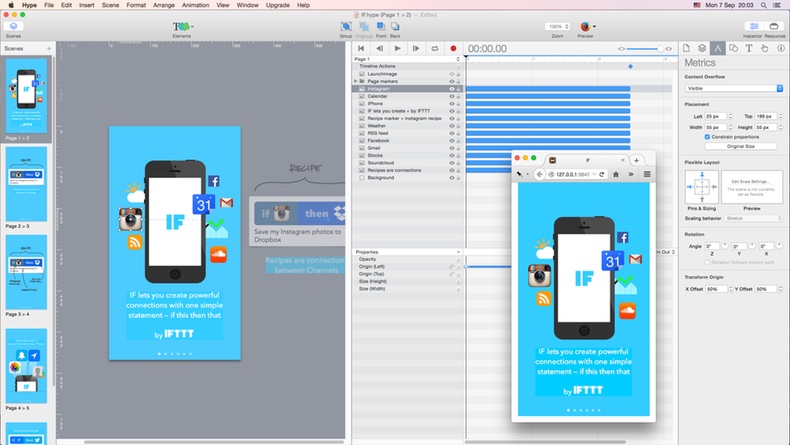
Eight Prototyping Tools Compared: Proto.io, Pixate, Framer, Origami, Form, Principle, Flinto for Mac, and Hype - Sketch App Sources Blog

This is another fully packed system that enables creating mobile mockups and prototyping the same. Principle presents designers with animation tools that are created on iOS and macOS engine, Core Animation. This makes it easier to illustrate and to apply the same on a working prototype. Designers can either select transitions from stock features or can simply create custom responses for UI. Users are allowed to import designs from the major tools and then further export animations that could be used by the developing team.


Framer X

This enables designers to quickly prototype their idea in a responsive layout. This is free, and it has one of the most developed digital stores for the purpose of third-party integrations via multi-platform plugins. It’s features and tools are curated by the Framer development community. Since the Framer system is a little advanced, it is not desirable for designers with no coding knowledge. Creating and coding prototypes at a decent level would be only possible for those with at least a little web coding knowledge.


After Effects


From the highest positioned design company Adobe, comes their animation app, After Effects. This app isn’t a prototyping tool in itself, rather it’s key point is that it offers a lot of control for creating motions and animations for media-intensive apps. Users can engage with other files from Adobe and can export their animation for using it in a mockup or prototyping.


Mockup Tools

A mockup tool allows a designer to build synthesised images for a mobile app or website in a short span of time. While mobile app prototyping enables receiving quick feedback, mobile app mockup and wireframe tools allow designers to create visuals for a project much quicker.

Let’s take a look at some top mockup tools;


Sketch

Although Sketch can also be employed for prototyping mobile apps, it’s main ability rests in creating consistent mockups. Like Framer X, this also has a large store for plugins maintained by a developing community. This mobile app mockup tool has a collaborative feature that makes it easy for designers to link with others working with them on the project and to receive feedback.


Figma

The Power of Figma as a Design Tool | Toptal

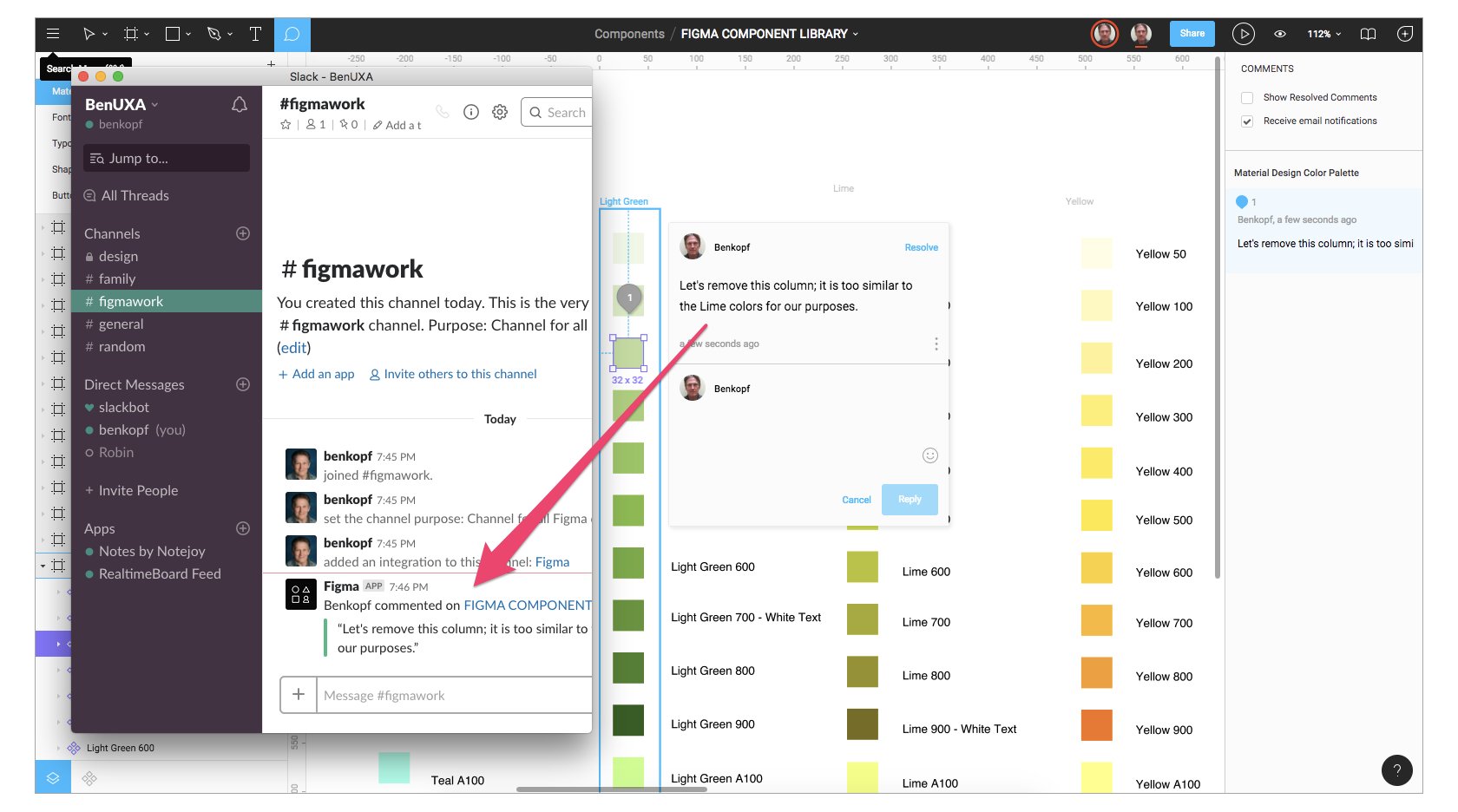
Figma is a cloud-based system, made for the purpose of collaboration between design teams for creating mobile app mockups. This comes with two bonuses, first that it also includes prototyping tools and second, the mobile app wireframing tools are free to use! The collaboration element in Figma is considered one of the best as it allows feedback to be left in the context without any interruptions. It’s almost like working in Google Docs but the difference is that this better accommodates feedback on design keys.


Adobe XD

Adobe XD does collaborative editing now, just like Figma - The Verge

We all know Adobe is the most famous when it comes to creating, designing apps/websites. Adobe XD also has a great collaboration feature that lets you work with other designers and teams on the platform. Since it integrates with other creative cloud softwares, hence, one gets a fine experience when using files from other apps like After Effects or Photoshop.


Proto.io

Proto.io Pricing, Alternatives & More 2021 - Capterra

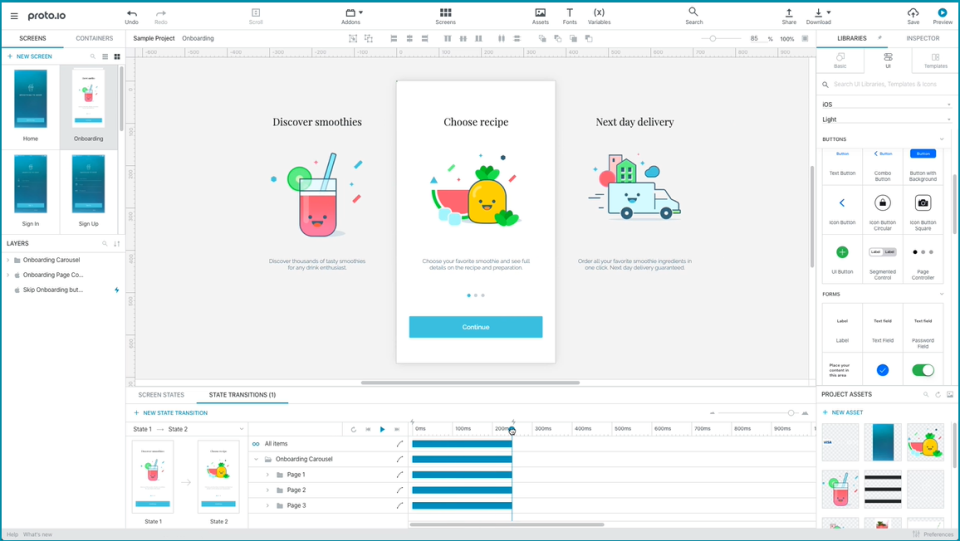
Proto.io is also a web-based mockup software and contains mobile app prototyping tools as well as mobile app wireframing tools. The best part is, it is a no-code solution, so designers that have zero to little knowledge about coding find it easier to work on this platform. This also works well with Sketch and Photoshop.


Simulify

Simulify Platform Online and Windows,

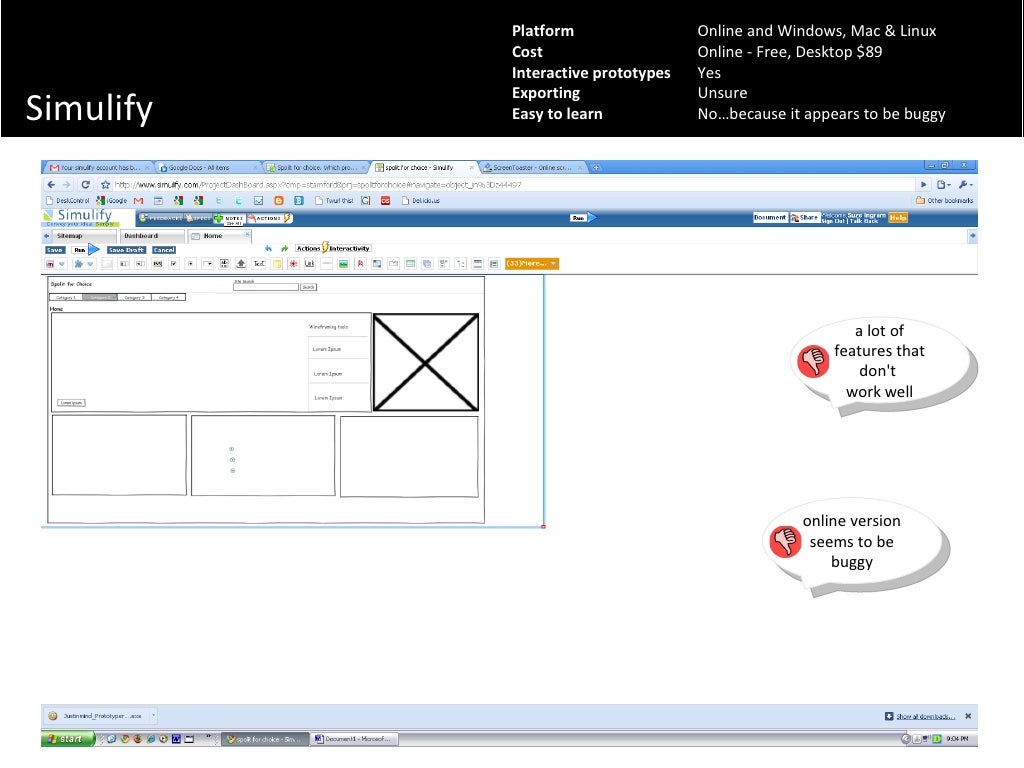
This is designed to assist with visual mockups for sites via JAMstack. For messed and decoupled architectures, where you are constantly pulling data in and out from multiple apps/websites, Simulify is the ideal option. The Simulify system amalgamates with Gatsby which is ideal for using modern development frameworks.


We’ve provided you the top choices and now the ball is in your court. Choose wisely!

JavaScript Frameworks for Frontend Development-Guide

JavaScript Tutorial - An Ultimate Guide for Beginners

Backend and Frontend – The Two Foundational Components of Native Mobile Apps and Web Apps. While the former fuels the app, the latter defines how the app would act when in users’ territory aka on users’ devices.

While we have already covered the factors that power the Backend development of robust apps in article before, in this article we would be looking into the Frontend Development, especially JavaScript Frameworks, at great lengths.

There was a time when a website or a mobile app was made of simple static text site with little scope of interaction with other websites and apps. And the only scope of innovativeness came from minimal animation that hovered on the screen. That was the time of HTML and CSS.

But today, ever since the advent of JavaScript Frameworks, the scenario has changed. Today’s web apps play videos, interact with other apps, fill out forms, and do everything that makes it enough for users to remain invested without refreshing the page.

Seeing the advancements that the Top JavaScript frameworks have introduced the Frontend Development world with, a number of other languages/technologies have started flourishing.

The Options Businesses Have When it comes to Frontend Development of Web Based and Native Apps

When it comes to Frontend Development of Mobile Apps – Native, Web Apps, and the new App type that Google wants you to know about – Progressive Web Apps, there are a number of different technology options a business can choose from.

I know the article is to talk primarily on JavaScript Frameworks, but it is only fair to touch bases upon the other options that you have when it comes to Frontend Development of Web Apps.

Here are the Top JavaScript Framework Alternatives that are worth paying attention to –

The Most Popular JavaScript Front End Development: How to Choose

JavaScript or no JavaScript, the Frontend Development Industry has a lot to look forward too.

Frontend Development Trends 2019

Advanced Chatbots

Most Advanced Chatbot Apps Powered By Artificial Intellect | by Dmytro Brovkin | Chatbots Life

The conversation based User Interface on Mobile and Websites is the number one trend of Frontend development of the present time. It is estimated that by 2020 85% of the customer interaction with a business will involve zero human involvement.

Motion UI

How Motion UI/UX Helps to Increase Attention Span of Users | by Ajay Kapoor | UX Planet

While material design would still reign superiority when we talk about interface design, the  incorporation of motion UI would breathe life into websites and mobile apps.

Prepared to catch user’s attention and to deliver information, the motion UI elements like  hovers, animations, modular scrolling, and page header transition can become the differentiating factor between a seamless and passable user experience.

Evolution of JavaScript

evolution-of-javascript - Surveying Group

Javascript is unquestionably the most famous languages used by the developers, which gives it a high position among the frontend developers, full stack developers, and the backend developers.

With the presence of scalable Javascript frameworks like Node.js and React.js, and the powerful package managers like NPM client and Yarn, Javascript Frameworks continue to be the primary technologies when we talk of frontend development in 2019.

Did you see how the ‘evolution of JavaScript’ has found its place in the list of Frontend Development trends?

Doesn’t it make you wonder…

Why JavaScript?

As we saw a few minutes back, there are in fact a number of alternatives that businesses have when it comes to technology to base their Frontend Development on. However, in spite of that, it is JavaScript that continues to witness mass adoption and there are valid reasons supporting the kind of growth that JavaScript Frameworks are getting. Let us look into a few of them

Why are Businesses, like us, Opting for JavaScript?

It is on Every Platform

Android vs iOS vs Windows – SK Info Techies

JavaScript Framework is present and used across a range of different platforms, in fact it is on every platform you can possibly imagine – Browser, Mobile, IoT, Desktop Apps, and a lot other.

Acts as the Best Foundational Language

Once you learn JavaScript, learning other languages becomes a piece of cake.

Can Handle Complexity

LinkedIn integration — amoCRM

The majority of world’s most popular websites like Paypal, Netflix, and LinkedIn, amongst others, work on one or other form of JavaScript Frameworks.

Faster Debugging = Faster Deployment

How To Deploy Faster With Fewer Errors Using DevOps Automation

Unlike other languages, JavaScript comes with the facility of feedback loop. Because it is built on browser, one can run the code and get instant results.

Reasons such as these and many others are enough for establishing JavaScript as a popular language – The one that is can be used in many different situations and many different platforms, with ease.

Because of the popularity and ease that comes tagged with JavaScript language, a number of frameworks have now found a place under the JavaScript umbrella with many other being developed to become a part of the family.

All in all, currently there are over 50 different JavaScript frameworks that can be used for the Frontend development of Mobile apps and when you add the web specific frameworks, the number grows by manifold.

With over 50s of JavaScript Frameworks used in the market, it is in fact difficult to come to a conclusion as to which Frontend Development frameworks would come out to be the best.

While different businesses would have different set of preferences when it comes to choosing a Frontend JavaScript Framework, at Anteelo, we focus our efforts on these Four – Angular framework. React. Vue. Node.

– The Fantastic Four –

Angular.js. React. Vue. Node

React vs. Angular vs. Vue: Which Should You Choose? - YouTube

Node.js - Wikipedia

The Reasons Why we Choose Angular.js, React, Node, and Vue for Frontend Development

Popularity – All the four JavaScript Frameworks are popular in the web and mobile app development industry and because of this popularity, they have the back of a strong developers’ community, which makes issue redressal a fast process.

Flexibility – Straight from Angular Framework and React Framework to Vue and Node, all these frameworks are used for the development of mid to high complexity level apps.

Ease of Adaptability by Developers – As compared to the other frameworks, these come with a comparatively lower learning curve, which makes the mobile app development process much faster.

Experience – We have developed over 100s of Mobile based apps using these top JavaScript Frameworks, giving us an in-depth idea of how they work.

Let’s take a look into them at much length –

Vue.js

Reverting Vue.js Form Changes - Client Resources, Inc.

If React Framework and Angular.js ever had a baby, it would look like Vue.js (not logo wise but features wise). The brainchild of ex Google employee Evan You, Vue.js has somehow managed to become the competitor of all three prime frameworks: Angular Framework, React.js Framework, and Ember Framework when it comes to Frontend Development – becoming the op JavaScript Framework in the process. Even without the support of any hot-shot tech name, the brand has been able to become really popular among the developer community.

Vue.js was conceived with the sole aim to make the interface development organized and simpler. And it does it so perfectly that it is now deemed ideal for the development of lightweight apps.

Acting as a legitimate child of React and Angular, the JavaScript framework shows features that are the best of both – While on one hand, it offers two-sided data binding facility of Angular Framework, on the other, it provides server-side rendering of React Framework.But then, like all things seemingly ideal, Vue.js also comes with its share of pros and cons.

Here they are

Pros –

  1. Rapid Adoption. In only a few years since its launch, a number of businesses have started making Vue a part of their tech stack.
  2. Low Learnability Scale. It is easier to get acquainted with the framework as compared to Angular JavaScript Framework.
  3. Rendering Support is Declarative
  4. Easier Integration with HTML Elements

Cons –

  1. Since it is a new project, there is still a lack of resources
  2. Relatively smaller community support, especially when compared with Angular.js and React Framework

Angular Framework

Angular (web framework) - Wikipedia

The one thing which all us developers agree with is that Angular JavaScript is the one framework that has the capability to powerful web applications Frontend Development.

Angular.js is a full featured JavaScript framework that comes with a series of business benefits such as quick production of code, convenient testing of app part, and the two-way data binding, which helps in reflecting the changes that happen in the backend immediately on the User Interface development.

Angular Framework keeps coming out with updates on a regular basis like Angular.js 6 comes with an improvement in the rendering engine for smaller and faster applications.

Even when hundreds of businesses are adopting Angular Framework, and it has set a dominating position in the Angular vs React.js framework comparison globally, there are some evidential pros and cons that come associated with this JavaScript Framework too –

Pros

  1. Material Design and PWA Support
  2. Stable long term support because of Google backing
  3. Two Way Data Binding
  4. Mobile focused approach to Web Development

Cons

  1. Apps developed in Angular Framework are notoriously famous for drawing device’s battery
  2. Needs more Optimization to tackle the present low performance issue
  3. Comes with high learnability scale

React Framework

We should know some core words of React.Js library. | by Mohammad Shaif | Medium

Backed by Facebook and Instagram, React Framework has become the most used/ top JavaScript Framework of the present time with over 1,000 contributions present on GitHub using it for Frontend development. Because of the use of a virtual DOM, the React framework provides a better performance boost to apps as compared to Angular.js.

Used by over 38% of the developers, worldwide, React.js. compared to other JavaScript Frameworks, has also grown to become the first choice of a number of prime businesses like Netflix, Paypal, Flipboard, and BBC, amongst various others.

Now, there are indeed a number of reasons that businesses like ours and WhatsApp swoon over React Framework usage in Frontend Development, but Flexibility is what tops them all. And the JavaScript framework stands true to the hype it has been able to create around its upper hand in developing Mobile Apps with advanced user interface.

Nonetheless, the framework, like the others, do not come sans advantages and disadvantages. Here are its pros and cons –

Pros

  1. Good set of Documentation and Online Resources
  2. Possibility of Server Side Rendering
  3. Easy Component Model
  4. Fast, Efficient, Flexible, and Small Sized

Cons

  1. It is essential to have Build Tools
  2. The chances of framework being incompatible with the other libraries and code that modifies DOM are very high
  3. The learning curve can be a little higher

Node.js

Node.js - Wikipedia

Node.js has over time become the top server side JavaScript Frameworks.

The idea behind Node.js is using event driven I/O to help remain efficient and lightweight at time of development of data intensive real time apps, which operate across a series of distributed devices.

The top server side javascript framework helps in building fast and scalable network applications, as it is capable of managing huge number of connections through high throughput – which ultimately brings out greater scalability.If you are looking for a fully featured JavaScript Framework environment with the presence of all the tools, Node.js would be your right option. In fact the popularity that Node.js is getting is making it one of the top JavaScript frameworks. Bringing it steps ahead in comparison to PHP and Golang.

I am sure by now you must have become acquainted with the drill. So, keeping up with the trend, here we go –

Pros

  1. The non-blocking IO ecosystem lets developers process multiple requests simultaneously
  2. Node.js developers community is extremely active, meaning access to ready solutions and codes in GitHub
  3. Made JavaScript full stack. Before Node.js, the platform was solely used for the development of client side.
  4. The one of the most popular server side JavaScript frameworks, Node is opposite of restriction. It lets you build every element of the app from the scratch.

Cons

  1. There have been instances of Node API instability
  2. It still does not support multi-threaded programming, which means it is not ideal when performing long running calculations, which ultimately leads to a decline in app performance.

So here were the four Frontend JavaScript Frameworks that we swear upon everytime a project comes along for Web App Development.

Other than these four, there are 11 Frontend JavaScript Framework that we can see competing for a place in the list to replace them. While they will take some years to come at a position where Angular.js and React js Framework and Node, Vue have placed themselves, they are 100% in preparation of coming neck to neck with the Fantastic Four in 2019.

In short, the next 11 JavaScript Frameworks have now become too big to ignore. And it is time that we give them their fair share of limelight, so here we go –

– The Sidekicks –

Ember.js

It&#39;s easy to build an app with Ember.JS - Open Source For You

Used in designing of a number of complex websites like Kickstarter, Heroku, and LinkedIn, Ember.js comes with the support of a huge online community, continuous rollout of updates and lastly, a wide appliance of the best practices of JavaScript.Ember.js is ideal for development of complex web apps, and the string-based templating system that it comes with contributes to a much faster boot time.

The Frontend JavaScript Framework is also concentrated on scalability, so that the developers can easily work on both – mobile and web apps.

Next.js

Next.js - Wikipedia

Next.js is not your common JavaScript framework. The framework was launched by React js team as a tool for the server-side rendering. Developers working with the mix of Next and React.js can help simplify the frontend development process.The popular server side javascript framework comes with a set of remarkable features like page-based client-side routing and automatic code splitting. Above all, Next.js comes with full CSS support, known as styled-jsx, to help make the styling of user interface development a lot easier.

Meteor.js

Advantages of Meteor JS For Web/Mobile Development

The full-stack client and server side JavaScript framework allows swift Frontend development of the end-to-end web and mobile applications in JavaScript. Because of its modular structure, the libraries and packages are used at pace. In context of performance, every one of the changes that happen in database are then instantly transmitted to UI. Currently, the framework is used for real time application development of companies like Mazda, Honeywell, and IKEA, amongst others.

Mithril.js

Getting started with mithril.js. First of all what is mithril.js… | by Odohi David | Spankie&#39;s Blog | Medium

Mithril.js has a series of similar features as React.js. Mithril offers you hierarchical MVC elements and various safe-by-default templates that come with intelligent DOM differences that goes into checking of high performance rendering. The JavaScript Framework also comes with two very impressive features for Frontend Development – URL Routing and Customizable Data Binding.

Polymer.js

Community - webcomponents.org

The lightweight framework is designed to enable you to take complete advantage of the Web Components. Polymer has the web components which are a part of HTML standards that promise longer existence as compared to ReactJS.Polymer.js works best when you need to combine your app with other frameworks & platforms and when you need to work with JavaScript standards.

Aurelia.js

The Durandal Inc. product, is being advertised as a next generation UI framework. It is deemed to be one of the developer friendly and advanced front end JavaScript framework of the present time.The JavaScript framework APIs are designed for consumption not from just today’s needs but also from future web programming languages. It supports ES2015, ES5, ES206 and Typescript as well, which gives developers high flexibility.Aurelia also comes with an extensible HTML compiler, which lets the developers create customized HTML elements and take take control of template generation with the support of dynamic loading, data binding, and batched rendering.

jQuery

Is jQuery for You?. What it is, who should use it, the pros… | by Rachel Lum | Medium

The popular android app development framework, although old, but is still holding a prevalent position, and the 300k downloads that it sees everyday is a sign of it.

Even though the frequency with which updates were rolled out have been lowered immensely, a new version, v4.0 is planned with a series of changes such as –

  • Rewrite of the speed framework
  • Rewrite using the next gen JavaScript
  • All new event module design

Backbone.js

Backbone.js

The framework is one of the most famous one among the JavaScript Framework developers’ community. And the reason behind the popularity that the framework has been able to gather for itself are pretty straight forward – The framework comes with usability modules that are very easy to understand  and have an extremely simple learning curve. Using Backbone, you can make single page apps with the help of the traditional web libraries. They are developed on the idea that the server side functionalities should always flow via APIs as it minimizes the number of codes that should be composed for achieving the complex functionalities of sophisticated web app frameworks.

Socket

The client and server side javascript framework has been getting in a lot of attention from the frontend development community, making it one of the most popular JavaScript frameworks. Socket allows you to take advantage of a real time communication among the server and client. It is divided in two parts – client library running from browser and the server library that is built on Node.js.

Socket allows you to implement real time binary streaming, interactive set of document collaboration, instant message platform, and the real time stats of project and apps.

Titanium

The framework allows mobile app developers to create native apps with the help of web technologies like JavaScript, HTML, and CSS. It is one of the best JavaScript Frameworks  today with their apps being on over 460,587,474 devices and with more than 91609 developers working on it.

Knockout

Knockout.js Example | Knockout.js Development

The last JavaScript framework that we believe will hold its position of being a popular choice of framework is Knockout.js. The framework helps developers build rich and responsive display and an editor UI with clean underlying data model. Apps that have section of UI which update dynamically can benefit greatly from Knockout framework. There are three features that come associated with Knockout, which contribute to framework’s popularity in the frontend development domain –

Dependency Tracking – The JavaScript framework updates the right sections of the UI as and when the data model changes.

Declarative Bindings – The feature lets you offer complex and dynamic User Interface Development with the help of arbitrarily placed binding contexts.

Trivially Extensible – It lets you use custom behaviours as part of new bindings for convenient reuse.

So here were the 4 JavaScript frameworks that we rely on and the other 11 JavaScript frameworks that will be making a prominent appearance in 2019 along with the Fantastic Four.

Now coming to which one of the most popular JavaScript frameworks you should go with, when taking a decision, compare the architecture, performance, documentation, learning curves, community support, and organization.

Challenges Faced by iOS Developers

Apple is improving every day. Throughout the years, iOS is widely used on an assortment of devices including iPhone, iPad, and iPod. And yet, with every new update, Apple brings new abilities and difficulties for developers over the globe. The below pointers talk about the challenges face by iOS developers while working on an iOS app: But iOS developers do face a lot of challenges while creating an iOS app. Some iOS developer challenges are mentioned below:

Challenges Faced by iOS Developers

Becoming an iOS developer - POCIT. Telling the stories and thoughts of people of color in tech.

Anyone can make an iOS app by using the iOS developer kit, which is regularly updated by Apple. But iOS developers do face some challenges while creating an iOS app, like:

1. Eligibility: 

Selling 18+ rated video games and movies – is this allowed?

If you want to distribute your app on the App Store, you have to be 18 years or older and you have to purchase a membership by paying a fee of 99 USD per year. This can be a real hurdle for new developers who are just starting out with iOS development or for someone who is just experimenting with an idea. Also, the age requirement can be a limiting factor for young developers who are talented but do not meet the age criteria.

2. Rejection from the App Store:

What factors are responsible for iPhone app rejection on Apple app store? - WhaTech

Apple is very strict about the quality standards for apps in the App Store and has laid down clear guidelines that an app must follow. Your app might get rejected due to the following reasons:

  • Poor Performance: An app can be rejected if it doesn’t run smoothly without any major lags. Apple gives top priority to user satisfaction and if the app is slow to load, it is unresponsive or if it has major bugs, there is a good chance that the app will get rejected from the App Store.
  • Lack of information about the app: Every app must include metadata which describes what the app does, like screenshots, videos, and descriptions.
  • Safety Issues: The app should not include objectionable content which might include content that promotes violence, pornography, or consumption of illegal drugs, etc. If the app is in the kid’s category then it can’t include third-party analytics or third-party advertising.
  • Substandard UI and UX: The app must have a decent user interface which is not too confusing for the users. The layout should be pleasing to the eye and must include proper margin and padding. Also, the app should not be very complicated to use which might affect the overall user experience.
  • Copy of an already existing app: If the app is just a copy of another app in the App Store, it will be rejected as it does not include any original content.

3. Device Compatibility

Apple iPhone 11 review: The best $700 iPhone Apple has ever made - CNET

Apple has released 11 iPhone versions, and each new iPhone comes with major updates in both hardware and software. Developers have to constantly learn the new features in the new versions and update the app accordingly; otherwise, the app will not run on the latest iPhone. Although it takes a while for a new iPhone to be released when compared to Android, developers still have to keep in mind about the major changes in the newer iOS updates and iOS challanges.

4. Resource Consumption

Monitoring memory usage of a running Python program | by Russell Keith-Magee | Survata Engineering Blog | Medium

An app has limited resources available to it and it must minimize the use of critical resources like battery, CPU power and memory, otherwise, it might affect the proper functioning of the device. This can prompt the user to uninstall the app from the device or give it low ratings, which might affect the popularity of the app in the App Store. To utilize resources optimally, the app should be free from major bugs and should not contain unnecessary code. The focus should be given on testing the app and removing bugs in an agile manner. Sometimes developers have to create two versions of the same app for making it compatible with both low and high-end devices. This can increase development time and cost to maintain two versions of the same app.

5. Hardware and software requirements:

Image about tumblr in 3 Macbook Air by S on We Heart It

The biggest difficulty while developing an iOS application is that the Integrated Development Environment utilized for developing them is only compatible with Mac. A developer has to have a Mac device to develop an iOS application. This hardware constraint compels the developer to build on a particular platform thereby adding to the difficulty.

6. Storage Issues

Cloud Computing 3D Computer Graphics Cloud Storage Photography PNG, Clipart, 3d Animation, 3d Arrows, 3d Computer

iOS devices don’t include the trash assortment function. The application can be ended on the off chance that it turns source-controlled. Along these lines, it is a daunting task for the iOS developers to manage memory within the app. While building up an application for a particular adaptation of iOS, we can’t overlook that equivalent version runs on different iPhone devices and every one of them has a varying level of capacity and memory. There are applications and games that utilize a ton of space. Users are unable to use those applications or games, even if their smartphone is compatible with it.

7. Battery and Performance Optimization

Low Battery Stock Photos and Images - 123RF

Battery Drainage is a very significant problem that is very common with Apple users. A client tends to uninstall an IOS application on the off chance that they discover that it is draining out their phone battery. Therefore, iOS developers need to ensure that the application doesn’t execute any sort of unessential procedure that can suck the battery power. Battery and performance optimization itself being a difficult errand should be precisely looked upon particularly when any new iOS adaptation is launched.

8. High Expectations of UX/UI

Web design, web development, UI and UX: What's the difference and which do you need? - 99designs

Because of its High-quality UX and crisp layout, iOS has emerged as the top choice of users. While making an iOS application, engineers need to remember the requirements and feasibility of the end-users. They have to ensure the UI contains just the crucial features so as to make an easy-to-understand functionality. While making UI/UX for an application, developers ought to consider contemporary designs, so as to make an intelligent and instinctive interface. Since  Apple has always provided its users with top-notch quality, the developers have the responsibility of keeping up the quality of the apps, or else users will not like it.

Conclusion:

Apple presents hardware and programming developments consistently while keeping up with firm security and control norms. iOS Development companies and developers must work in accordance with these advancements so they can limit the difficulties encountered during the application development process. The above-mentioned iOS developer challenges give the developers an insight into the hardships they might face and provides a front foot over the challenges that they might face during the development process. However, developers need to fathom with occasional updates so as to limit the efforts and provide quality solutions for the end-users. Constant testing and improvement experience will cause you to defeat all the forthcoming issues.

These 15 Famous Apps Migrated from Java to Kotlin-Reasons

Java: How do I get along with Kotlin ? | by Ashwin S | AndroidPub | Medium

Google in its I/O 2017 Developer Conference announced that it will now officially base its Android App Development process on Kotlin – the language developed by the JetBrains team of programmers based in Russia.

The features that Kotlin comes powered with –  Interoperability with Java, Conciseness, and Android Studio support – were enough for Google to validate developing android apps with Kotlin, something that the tech giant continued to highlight in I/O 2018 by scheduling sessions on the Android new programming language.

Just days after the announcement of Kotlin becoming the official language of Android at the I/O 2017 developer conference, the programming language found itself in the list of top programming languages that will define 2018.

Between 2017 and mid of 2018 (the present time) the language has seen an exponential rise in demand from both developers and businesses. The realm report that surveys mobile app developers globally also found that 20% of the Android apps that were built on Java before the Google I/O 2017 conference, were then migrated on Kotlin. A movement that has brought in a surge in demand for Kotlin app development agencies.

In the October of 2017, we covered Kotlin in depth in one of our blogs, head on there to read the article where we dissected Kotlin and highlighted ways it is better than most of the other programming languages.

Taking what was started in 2017 forward, the Android industry in the present day is staring at the rise of the number of Kotlin based apps, with the portfolio consisting of a number of hot-shot brand names.

In this article, we will be looking at 15 companies that were using Java earlier but now use Kotlin, and this way, give you an idea of why it’s time for you to follow the lead to.

But before that, here are the business benefits that you can enjoy by focusing on android development with Kotlin.

What are the Business Benefits of Choosing Kotlin – The Official Programming Language for Android Apps

6 benefits of Kotlin for building server-side applications - DEV Community

1. Improved Code Maintainability Meaning Faster Development Time

When we compare Kotlin vs Java, we can find Kotlin to be more concise meaning it can solve more problems with fewer lines of code. It means that the engineers can read and change the code much efficiently.

There are a number of features that come associated with Kotlin, which make the language more concise – Smart Casts, Data Classes, Properties, and Type Interface.

2. Lower Instances of Application Crashes

Open source Android Apps written in Kotlin offer better security over those coded in Java. This is so because Kotlin averts the common programming mistakes in design, which results in lesser application crashes and system failures. Also, since Kotlin works on a fail-fast system, any issue that can lead to failure are reported instantly.

The fail-fast compiler that Kotlin comes with searches for bugs and prevent them from coming again.

3. Shrinked Codebase Leads to Easy App Maintainability

Android apps made with Kotlin calls for a lot less number of code lines as compared to Java, which ultimately not just saves the app development time but also the app maintenance time and efforts.

Apart from these Business Benefits, there are a number of advantages that come associated with Android Kotlin.

Seeing these myriads of benefits that Android apps made by Kotlin bring with themselves, the Android mobile app development industry has now eventually started moving to the adoption of Kotlin Programming Language. A move that has been bringing about a transition from Java to Kotlin.

Kotlin Developers that have made the switch from Java to Kotlin have realized a series of benefits that have also become the reasons why it is time for the android mobile application development industry to start making the switch.

Why is the Android App Development Industry Moving from Java to Android’s New Programming Language?

This is Why –

1. Mass Adoption

Even though Kotlin – the new language for Android Apps is a new entrant in the industry, there are a number of companies – established and new alike – that have migrated from Java to Kotlin to take advantage of the benefits that the language comes with.

*More on That Later.

2. Concise

Android mobile apps developed in Kotlin language are very concise. The resulting code of a Kotlin programming language reduces the total number of boilerplate codes, which enhances productivity to a great extent. Also, there is a lot less room of error, while the resulting code is a lot safer and reliable.

3. Better User Experience

Kotlin programming language makes your app a lot more stable by removing the bugs and reducing the instances of app crashes. And when your app is launched with these issue missing, the user experience only enhances.

4. Designed to Fail-Fast

This time around, Google has brought changes in its new programming language for Android Apps. They have made Kotlin fail-fast.

A fail-fast system immediately reports any issue in coding that is most likely going to lead to failure. When a problem emerges, the fail-fast system fails immediately, making it impossible for the Kotlin developers to move ahead with the mobile app development process.

5. Kotlin for Android is a Developer’s Retreat

Kotlin programming language, in its latest 1.4 release, has made the Android App Development process a breeze for the developers. The language now offers a new flexible Project Wizard for easy creation and configuration of varied types of projects, a new compiler mode known as explicit API mode that aids creating well-defined and consistent APIs, and much more.

All these benefits cumulatively have resulted in making Kotlin the answer to ‘What programming language are Android Apps Written In’.

The fact that Google has introduced free courses to learn Kotlin, will do wonders for the adoption rate. It is so much so that the probability of you using some apps built with Kotlin is extremely high.

Here are the 14 Android Apps That are Made Using Kotlin for Android 

1. Pinterest

Pinterest

The popular photo-sharing app, Pinterest is one of the biggest names that have used Kotlin for Android App Development. The brand officially moved from Java to Kotlin and showcased the benefits of the move at Droidcon NYC 2016.

2. Postmates

News Analysis: Uber Eats Postmates for $2.65B | Constellation Research Inc.

The on-demand food delivery app also recently shifted to Kotlin for its Android version of the mobile app. The reason for this switch from Java to Kotlin can be attributed to the fact that the language is famous for supporting high scalability and is known to be engineered around a fail-fast mechanism.

3. Evernote

Best Note Taking App - Organize Your Notes with Evernote

The note-taking and task organization app, Evernote has also joined the league of apps built with Java that has turned towards Kotlin.

4. Corda

Corda Partner Program. By Ricardo Correia, Head of Partner… | by The R3 Team | R3 Publication | Medium

Corda, the open source blockchain project that helps Blockchain app developers create interoperable blockchain networks is also based entirely on Kotlin.

5. Coursera

Coursera&#39;s Mission, Vision, and Commitment to Our Community | Coursera

The world-renowned online courses app, Coursera is also partially based on Kotlin. The app has millions of active users who use the platform to take courses on a range of different topics.

6. Uber

Earn Money by Driving or Get a Ride Now | Uber India

The global leader in the on-demand commutation market, Uber has also invested in Kotlin app development for Internal Tooling processes such as annotation processors and Gradle plugins.

7. Spring by Pivotal

Download Free png Spring Framework Logo - Spring Boot, HD Png Download - 1280x329 ... - DLPNG.com

The Spring Framework offers a comprehensive configuration and programming model for the development of modern-day Java-based enterprise apps – on every sort of deployment platform. The framework uses Kotlin to provide more concise APIs

8. Atlassian | Trello

Sync Jira with Trello | Atlassian Marketplace

While Trello is not planning to do a full code conversion of the old codebase, the new code that they are using is made using Kotlin. Since there is great interoperability between Java and Kotlin, the brand is able to work with both.

9. Basecamp 3

New in Basecamp 3

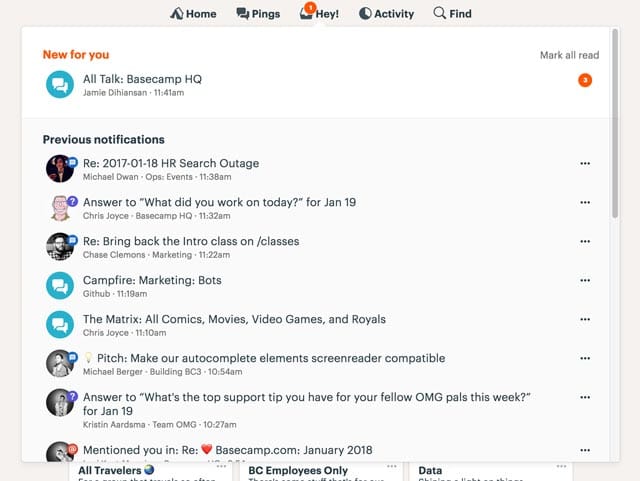
Basecamp developers have admitted witnessing a huge difference in code quality and speed ever since they made the switch from Java to Kotlin.

10. Twidere for Twitter

Twidere for Twitter/Mastodon - Apps on Google Play

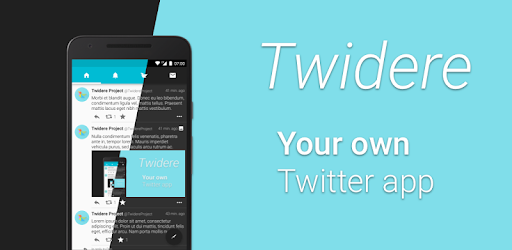
Twidere is a full feature open source Twitter client app that customizes the theme, manages the unlimited accounts, and filters unwanted tweets. Developed in Kotlin, the app has been able to bag 100,000+ install rate because of its smooth performance.

11. Shadowsocks

Shadowsocks - Wikipedia

The secure cross-platform socks proxy helps user surf the internet securely and privately. The app with 1,000,000+ downloads on the Play Store also joined the list of apps made with Kotlin.

12. Simple Calendar

The ad-free fully open source calendar app is also amongst the Android apps made in Kotlin.

13. Kickstarter

Kickstarter

The app helps musicians, artists, designers, filmmakers, and other creatives find all the resources and the support that they would need to convert their ideas into a reality. With thousands of active users, the app is powered by Kotlin.

14. Square

Square Point of Sale - POS - Apps on Google Play

Ever since Kotlin was approved by Square for their Android Applications, the payment platform has become the evangelists of Kotlin for Android.

15. Gradle

Gradle - Wikipedia

Gradle is the custom build tool that is used for developing the android packages (apk files) by providing the custom build logic and managing dependencies. And recently, Gradle introduced Kotlin as the language for writing the build scripts in. Since Kotlin gives support for both IDEA and Eclipse, Android’s new programming language gives the Gradle users full IDE support for refactoring to auto completion and everything in between.
Get your app’s name added in the list, get in touch with our team of Android Kotlin experts today.

Now that we have looked at the benefits that come attached with developing apps using Kotlin and how their a number of hot-shot apps that are benefitting from this association, we have come to the end of the article where we will talk about the pointers that you should look out for BEFORE you plan to join the league of those famous apps by migrating to Kotlin.

What Do You Need to Know Before Migrating Your Java App to Kotlin?

A. Is your team ready to make the switch?

Shifting the development method from one programming language to another comes with a learnability curve. So, before you make the switch, ensure that your hired development team is adept and experienced in building Kotlin apps.

B. Is your app architecture made of loosely coupled components?

When you make a change in the programming language, it can result in deletion, creation, and merging of some artifacts and classes that make your mobile app architecture a mess. And the more loosely coupled your app components, the more difficult it would be to make changes and then test them.

Once you have ensured that both the pointers are in place, you no more have a reason to not turn your Java-based application into one of the finest Kotlin apps, like the app industry’s top leaders did.

EOS vs Ethereum: Which is the Best Smart Contract Platform

Ethereum vs EOS | Comparing Two of the Biggest Dapp Platforms - UNHASHED

Getting into agreements in a sans Blockchain world involves an active participation – which comes attached with a price tag – of intermediaries, something that in one way or the other limits the horizons a business can reach in terms of extending their business relations. Cut to the era of Blockchain. Blockchain, along with its sidekick Smart Contract enable businesses to develop a decentralized ecosystem that allows them to make agreements without the involvement of any third party intermediary – Ergo, New Horizons now comes into the picture for Businesses to penetrate in.

Although Smart Contract seems so have received its fair share of hype only after it came under the shadow of Blockchain Technology, the concept had already made its appearance twenty years ago when Nick Szabo, a cryptographer wrote an article about it.

So what are Smart Contracts exactly?

Smart Contract is a computer program that is stored inside a Blockchain. They are coded in a way to automatically control asset transfer between two (or more) parties, when the predefined conditions are met.

What is a Smart Contract Platform Supposed to Do?

Smart Contract Development Company India | SignitySolutions

A Smart Contract Platform is a platform which provides support for creation and execution of smart contracts. There are many names in the list of smart contract platforms in the market today – Ethereum, EOS, NEO, Hyperledger Fabric, Cardano, Stellar etc.

Out of all these platforms, today we will be focusing our attention on the oldest and most adopted – Ethereum and the new and hyped platform, which claims to be more efficient than Ethereum – EOS.

In this article, we will be comparing the two powerful platforms – EOS vs Ethereum – head on to fathom which platform has the potential to go farthest.

Both EOS and Ethereum are Turing complete Smart Contract Development Platforms that are leveraged by businesses for Smart Contract and Decentralized Applications Development. While Ethereum charges gas fees in form of Ethereum currency for allowing businesses to run their Apps or Smart Contract on their platform on per transaction basis, EOS charges some EOS cryptocurrency only at the initial stage and don’t charge any network development or transaction fees.

Ethereum

Ethereum cheat sheet: Everything you need to know - TechRepublic

Ethereum is an open blockchain platform that allows developers to build and execute Smart Contract on Blockchain. To enable blockchain app developers to implement smart contracts on Ethereum, the platform has launched its own contract oriented programming language called Solidity.

The platform uses the proof-of-work consensus algo, which it plans on upgrading to the proof-of-stake consensus.

Ethereum, aside from being the leading smart contract and decentralized application development platform, also has its Ethereum cryptocurrency platform called Ether.

EOS

What Is EOS?

The brainchild of Daniel Larimer (the name behind Graphene Technology and the first developer to have implemented the POS consensus), EOS platform works on a similar model like Ethereum but comes with a number of differentiating factors.

EOS makes it possible to process greater number of transactions on a per second basis than Ethereum. The platform, feature wise, is a lot more scalable and includes elements like sharding, plasma, and the comes with the benefits of the proof of stake (dPoS and TaPoS) consensus.

Like Ethereum, EOS has its own EOS cryptocurrency platform as well, named after the platform itself – EOS Cryptocurrency

With this, you are now up to speed with what both the platforms are and now (finally) it’s time to get on to what we came here for – to answer the question on every Blockchain enthusiast’s mind ‘EOS vs Ethereum: Who Will Win the Title of Best Smart Contract Platform’

EOS vs Ethereum

1. Design Philosophy

How to migrate a smart contract from Ethereum to EOS- The Cryptonomist

Ethereum

Ethereum has been developed as a neutral platform. It doesn’t come packaged with features, which allows users to develop their own feature based sub-protocol within a contract. This prevents instances of bloating in an application.

EOS

EOS comes with functions like app/blockchain communication tools and cryptography implementations. It features a range of different options varying from web toolkit to help with interface development to the self-describing database schemes.

2. Governance

Why good governance is essential to infrastructure | Infrastructure Investor

Ethereum

Ethereum is presently working on a Proof-of-Work consensus with the plans to move to a hybrid of Proof-of-Work/Proof-of-Stake. Ethereum makes it mandatory for developers to adhere to the code and solve major disagreements through forks.

EOS

EOS uses Graphene technology that makes use of the delegated Proof-of-Stake (dPoS and TaPoS) consensus. For resolution of disputes, EOS will come with la egally binding constitution which would establish a common jurisdiction.

3. Scalability

Ethereum

Ethereum network has till date achieved around 25 transactions per second and it can increase to upto 50 to 100 tps.

EOS

EOS has been able to achieve over 10,000 to 100,000 transaction per second in stress testing. The platform, which is based on Graphene technology, uses parallelization to enable scalability and for allowing million of transactions to run together per second.

4. Network Fees

Ethereum

Ethereum charges fees, in the valuation of Ether (the Ethereum Currency), in return of using storage, calculation, or bandwidth. The required fees in Ethereum fluctuates and the miners are given the option of selecting transactions that depend on the fee size.

EOS

EOS will make of ownership model, where the EOS token holders will get a proportionate share in storage, network bandwidth, and in processing power. They will have the provision to upgrade by buying more EOS.

EOS platform though, will charge zero network development and transaction fees. Users will only have to purchase the EOS token in the initial phase.

5. Denial of Service

Government websites infected with crypto mining malware | Synopsys

Ethereum

In Ethereum, Miners select the high fees transactions for adding them to Blockchain and since there is a limited bandwidth and computing power, probability of low fee transactions getting blocked out are very high.

EOS

Ownership of EOS tokens gives the users a proportional stake in storage, network bandwidth, and the computing power. In EOS, even the startups that have a very little stake invested in the platform also get guaranteed, reliable computational power and bandwidth.

So here were the points of difference that define the underlying ecosystem of both EOS and Ethereum.

Seeing this, it is safe to assume that EOS, once fully functional and adopted, holds the potential to replace Ethereum in the near future, if the latter doesn’t introduce updates to make its platform more user centric instead of profit centric.

While that is about the future, if Ethereum wants to come points ahead of EOS sooner, it will have to make amendments in its architecture by introducing features akin to Operating system architecture of EOS. In fact, the DOS incident that happened back in 2016, could have been avoided completely if Ethereum was indeed an Operating System and not a state machine.

While saying EOS will replace Ethereum in the coming future is still a statement less of surety and more of probability, the differentiating factors that EOS comes packaged with, bring the platform very close to winning the race to becoming the best smart contract development platform.

EOS Features that Bring it Points Ahead of Ethereum

1. Zero Transaction Fees for End Users

0 Number PNG Transparent Images | PNG All

While EOS users should own or rent some cryptocurrency to use the platform, they don’t have to pay anything to perform a transaction. A factor that works in favour of the B2C users, who no more have to pay to make transactions on their decentralized applications.

Also, since there is no entry fees, businesses that lack the technical know how can also confidently enter the world of Smart Contracts.

2. Scalability

The transaction per second number that EOS is aiming for is far more than what is offered by Ethereum. While in case of Ethereum it is 15 tps, EOS stands at 1000 – 6000 transactions per second.

EOS uses asynchronous communications and separate authentication from the execution itself to achieve speedups.

3. Governance based on Stake

Differing opinions about parliamentary hearings on bank frauds | IPN

EOS Cryptocurrency Holders have the right to vote on a change of protocol, with the vote count being proportional to the amount of cryptocurrency that they hold.

Are these differentiators enough to validate that Ethereum time is coming to an end? Is Ethereum passing the baton to EOS? Well…. Not in so many words.

It has now become a matter of time. If Ethereum is able to work on its obvious scalability issues and act on its image – that although it works great, it works on a limited scale – through updating its ecosystem while there’s time, it will survive the race.

For now, we will have to leave it on time to declare the clear winner of this smart contract race. Because the current state of both the platforms are that there are some decentralized applications that will need the speed and scalability that EOS offers and there are some that would need the privacy and censorship resistance that Ethereum offers.

APPLYING FOR A DESIGNING JOB

Finding the right choice for a designing job can be really challenging. There are several aspects that are to be covered for applying, but your initial presentation should be impactful. What happens in most of the cases is that the applicants don’t represent themselves and their work in the right way. Hence, we’re here to help you better understand the process and aspects of applying for a designing job.How to Get a Job as a Graphic Designer | Glassdoor

SET YOUR GOALS

You need to ask yourself, ‘what is your passion and what is it that you want to do?’. And if you are not sure, then you need to figure it out. It is best if you talk to someone who’s already in the same profession and industry. This will give you a much clearer vision and you would be able to figure out the direction you want to go in.

Answering the Interview question: Where Do you see yourself 5 Years from Now? - Naukrigulf.com

One question that you will be asked in every interview is – “Where do you see yourself in five years?” Now the important thing is you need to know the answer for that question for yourself. So make sure that you know what you want to do in your life and just focus on it, this would help you a lot and even make it easy for you to plan your future.

Be sure of building your career in an environment you can thrive in. Because the people around you can really affect your job and your career in the long run. So, you would want to find a job with an environment where people have passions similar to yours, connect with those people and you will go a long way in your choice of life.


WORK THAT PORTFOLIO

First impression is the long lasting impression if not the last impression. So, with your portfolio, you make the first impression. Your portfolio is the first thing your potential employer will look at. You have to work hard on your impression and present a few of your projects that you’re most proud of. Remember a portfolio is not just a bunch of sheets, it is how you present yourself and your way of thinking, so make sure every minute detail is perfect.

How to Organize Your Portfolio for Your Job Interview

Try to avoid portfolios in pdf forms and dropbox folders with screenshots of your designs, especially if you’re applying at a digital company. There are a bunch of great online services that can help you build your portfolio in the best way (like Readymag, semplice, etc)

As a designer, always try solving the problems at hand with your projects. Talk about the approach you went with and the process you had whilst working on the said projects. 

Here a few things that you should consider while sending your portfolio:

  1. What are the goals of your project?
  2. What is it that you want to solve?
  3. What is the background of your project?
  4. Who are your users?
  5. How do you plan on solving the problem with your project?


Design is not just about creating beautiful things, instead it’s about following the right process and employing creative storytelling to come up with a solution. Which implies, functional utility > aesthetics. 

A lot of times, people looking for a job say that they don’t have any work to show, since they didn’t get a real opportunity to work. You should know that you need not worry about not having any experience of working in an agency or with clients. There might be a website or a tool that you use in your daily life, one with which you would have had a bad experience.

Now, look into and find out what the problem/flaw is and try to come up with a solution for it, as to how you could improve it. There you go, you can present your work and approach by resolving the problem.


Be extremely careful with your portfolio, keep in mind all the current technologies and the latest designs for the same. Lastly, show what you are best at, and what you would want to work on.


INTERVIEW: PREPARE YOURSELF


First, research the company thoroughly before you go for the interview. Gain knowledge about the people who already work there and try to find them on social media. You will find a lot of useful information that may help you further. And, don;t forget to research the clients’ they are working for and the projects that they have done so far.

The 5 Best Interview Questions Candidates Ask During Job Interviews

Second, be ready to present yourself and your work. Critiques help you sharpen your communication skills as a designer, as there is always scope for learning how to articulate what you did, how you did and why. Basically, it will help you in explaining your idea to the reviewer in a much better way. 


The last and the most important key, BE HONEST. Nobody is perfect, so you remember to communicate them to your reviewer/potential employer.


CONCLUSION

Explore different companies, their profiles and websites, where you will find what they do and how they do it. And also about the people and the culture in their company. Attend design workshops and meetups, you have the best shot at meeting and getting to talk to people from the industry, you will find a lot of insightful information. And lastly, stay fresh with your portfolio work and keep yourself updated on the current trends in digital designs. Remember, this not just for applying to a job, but for all times. It’s good to stay updated all time. 


Choose Mobile App Technology Stack (Comprehensive Guide)

What is a Tech Stack? (+Tips on How to Choose One)

If you are even a month old in the world of mobile application development, the probability of you have not heard of the concept of Technology Stack is very minimal.

No matter what mobile app development process you are planning to follow, it would never turn fruitful until you get together a set of robust technology stack. Technology Stack is what decides the future of a software product.

Well, we will get to the exact definition of tech stack in a while. For now, here’s the snippet – The present and future of your mobile app depends on nothing but your mobile app technology stack.

Defining and choosing the technology stack for app development at an early stage helps entrepreneurs achieve their ultimate business objectives much more easily.

In this article, we will be looking into the concept of technology stack for mobile application in more detail, while throwing the light on the importance of knowing the technology stack that your mobile app would be based on. We will also talk about the tech stacks that power the apps on the basis of their type.

But first things first.

Let us quickly refresh our understanding of mobile app technology stack.

What is a Mobile Development Technology Stack?

Mobile App Development - Android App Development Service Service Provider from Thane

The complete technology stack for mobile application development can be divided into four areas. And these are also the areas that also constitute the anatomy of an application.

Here are the four components which together make one Technology Stack –

Frontend Development – The interface on which users interact with the mobile app

Backend Development – The part which takes the user input, processes it, and convert it into an output

Development Platform – The place where interfaces and libraries come into the picture to design and develop the mobile application.

Additional – The technology elements that affect app performance, security, and robustness.

Now that you know what mobile app technology stack stands for, let us now look into the reasons why it is important for businesses to sit with their partnered mobile app development company and look at the technology stack that would be put into their mobile apps.

Why is it Important to Find the Best Tech Stack for Mobile App?

There are a number of elements that are dependent on the selection of the right mobile app tech stack. The probability of whether your app is robust or will it be able to scale to different operating system versions, relies heavily on the technology combination that you choose for its development.

Any wrong or hasty, uncalculated decision with respect to the selection of nothing but the best technology stack for mobile application, will affect its current performance and future growth prospects negatively.

While these are the issues attached at a much deeper level, which you would face only when you are deep inside the mobile app development process, there are a number of first level issues attached with the wrong choice of the mobile app technology stack as well.

Since you now know what tech stack is and why it is important to know the technology stack, let us come to the section where we look into the technology stack that powers the development of powerful, scalable, and innovative mobile and web apps that comes out of the factories of any skilled app design company and their development domain.

Native App Technology Stack

Native apps are known for their robustness and performance. The quality standards that a business usually looks to achieve in their mobile journey are the ones that their investment in Native App Development perfectly solves.

Native Apps allow businesses to integrate the device’s in-built functionalities in their mobile app, without calling for an external third party API.

Now, when we talk about Native app, we usually talk in the context of Android and iOS App development. The two platforms come with different capabilities, which call for different technology stacks as well.

Let us look at the most commonly used mobile app technology stack that goes in the iOS app development and Android app development.

Android Tech Stack

Should I Start with Java or Kotlin as an Android Beginner? - Coding in Flow

Programming Languages: Kotlin and Java

Although Kotlin is the official programming language for Android app development, Java language is still used to a great extent by many android app development company. The popularity that Java sees makes it one of the best technology stack for mobile app development.

However, Kotlin is also not lying too behind in the popularity race. With time, Kotlin has become a lot more stable option for the developers to workaround in the Android studio. The fact that the language is clean, lightweight, and much less verbose is making it a solution to all the Java problems.

Toolkit: Android Developer Tools & Android Studio

Download Android Studio and SDK tools | Android Developers

Android Studio gives developers the feasibility of editing code, debugging, flexible build system, performance tooling, and an instant deploy system.

The platform enables you to focus entirely on building high quality and unique apps.

With help of the Android Developer Tools, you will be able to gain complete support for the whole Android app development process. Along with that, it allows developers to use multiple on-device debugging tools, emulators, graphical UI builder, and a completely scriptable test automation support.

Android SDK

Journey of building My First SDK! | by Anukool srivastav | Medium

In order to write programs with the latest features, the developers are made to download and then install each version SDK for a specific phone.

Using this Android tech stack, developers have been able to increase the app count to over millions and have made the Android app development industry the one that businesses opt for when they are looking to reach the masses.

iOS Tech Stack

Programming Languages: Swift and Objective-C

Swift - Apple Developer

The most preferred languages that find themselves being a part of the iOS mobile app development technologies are Swift and Objective-C.

Objective-C being the superset of C language provides a dynamic runtime environment and object-oriented capabilities.

Learn Objective-C - Best Objective-C Tutorials | Hackr.io

But we recommend Swift over Objective-C, simply because the language is a lot more functional and offers codes which are a lot less error-prone. It also consists of dynamic libraries which are uploaded directly to memory, cutting down the initial app size and increasing its performance.

Toolkit: Xcode and IntelliJ AppCode

AppCode: Smart Swift/Objective-C IDE for iOS &amp; macOS Development

Toolkits are the full feature environment that allows one to create both mobile and desktop apps. The ones that are most commonly used by the iPad and iPhone app developers are IntelliJ AppCode and Apple Xcode.

iOS SDK

SDK Icon PNG Image | Apple ios, Icon, Ios

The iOS SDK consists of an API which acts as the link between platforms that they run on and the software application. The iPhone SDK offers tools used for Apple’s touchscreen interface and for the proprietary iOS operating system.

At the back of this technology stack, Apple app development industry has been able to brand itself as the market that businesses head out to generate revenues on their mobile apps.

While this was for Native apps, there is one app type which calls for a different set of full stack mobile development altogether. The apps we are talking about here are Hybrid Apps.

Although they are not used to a great extent anymore, there are still a small class of entrepreneurs who select them at the back of their low cost and time to market advantage.

Hybrid App Technology  Stack

▷ Cómo Cargar un Archivo JS Externo en HTML | Silver Sites

Hybrid apps are usually developed with the help of the standard web techniques like CSS, HTML5, and JavaScript. They usually consist of two sections – Backend and Native shell. These apps can run on all platforms and tend to provide access to API and acquire device storage and a camera etc.

The three frameworks that are most commonly used for the development of Hybrid apps include – Cordova, Sencha Touch 2, and Ionic.

Now that we have talked about both Native Apps and Hybrid Apps, it is time to move our focus on the Tech Stack for Cross-Platform App Development

Cross-Platform App Tech Stack

Cross-platform app development means using the same code to develop apps that would then run on multiple platforms – Android, iOS, and Web.

Businesses usually go with the cross-platform app development because of the simple fact that they are able to operate around a greater demographics. All the while taking advantage of the low development cost and faster go to market time.

The cross-platform application technology stack is usually made up of these major technologies’ combinations –

A. React Native & TypeScript or JavaScript

Why TypeScript with React? | Building SPAs

React Native is a JavaScript framework that is used for writing mobile apps which work like native apps. When you use React Native, the application logic gets written and runs on JavaScript or TypeScript.

B. Xamarin & C#

Xamarin - Wikipedia20 years anniversary of C# programming language. What the future holds. - Avenga

Xamarin allows development engineers to share 90% of codes across a series of major platforms. The tool uses C# as the main language.

Now that we have looked into the tech stack that powers the development of a variety of app types, ranging from Native apps to Cross Platforms and Hybrid Apps, it is time to look into something that matters to a mobile app development company more than knowing the tech stack: Knowing How to Choose the Best Technology Stack for Mobile Application.

How to Select the Best Tech Stack for Mobile App?

The ideal mobile application development technology stack that can power your product for success is an outcome of careful consideration and analysis of a number of factors. Here are the factors that tend to influence the mobile app technology stack choice for the development of a mobile app –

1. App Considerations

There are a number of factors that vary from one app to another –

  • The device on which the app would function
  • The network condition it would run in
  • The user experience you are aiming to achieve
  • The estimated go to market time
  • The platform would run, amongst others.

All these app elements clubbed together help decide the set of framework, library, languages, and the software that would be combined to develop the mobile

2. The Goal of Mobile App

Motivational mobile app | Goalmap

The choice of tech stack for mobile application development also depends heavily on the goal that your mobile app is going to achieve.

There would be a stark difference in the mobile app technology stack choice when you are looking to develop a high latency app vs a quick response, low latency mobile app.

A mobile app that is dependent on heavy load processing call for a much robust tech stack than the ones that operate around streamlined interactions.

3. Development Team Skill-Set

5 Options For Developing Your Team&#39;s Skills

There are a number of languages and frameworks that tend to give the same result but have some differentiating factors that separate one from the other. Now, when you are to decide between two similar-ish tech stack, the ideal thing to do is to rely on the developer’s skill-set.

If you introduce a tech stack that your team is not acquainted with, it will increase not just the development effort and time but also the cost of mobile app development. While on the other hand, introducing a mobile app technology stack that your team is comfortable with, will help expedite the process while saving the quality.

4. Technology’s Parent Company

The parent company of the technology stack that you are going with also makes a lot of difference in the choice.

There are some brands that offer a lot better documentation and community support than the others. Like, Google, Microsoft, and Adobe are known to offer a lot better community support and advanced development options than Facebook with React Native.

5. The Choice to Operate on Multiple Platforms

Which Phone is Best? Android vs Apple iOS vs Windows 8

The technology stack of an app that runs on one platform would be a lot different than of the one that runs on all – Android, iOS, and Web.

The level of scalability that you will have to introduce in your mobile app to make it portable on other platforms, e.g. in case of Hybrid App or Cross-Platform App Development, would call for a different toolset than one that would go into the development of a Native app.

6. Security Level of the Tech Stack

Every mobile app development technology comes prepared to combat the security-related vulnerabilities that an app can come across after it is launched it is market. The problem comes when you choose a technology stack which is not sufficiently documented or which requires writing long line of codes.

And then there comes the element of developers’ skills. No matter what technology stack you are including in your mobile app, hackers will find their way in, if the app is not developed in a secure manner. So along with the tech stack, your app developers team need to be skilled as well.

7. Compatibility with the Existing Technologies

Going with a mobile app tech stack that is in line with the technology that you are using in the project is very important. Especially if you are introducing a new tech stack after the mobile app development process has started.

Apart from checking the compatibility of the tech stack with the current project, you should also check how compatible would the tech stack be with the tools that you might be planning to add in the app at a later stage.

With this, you now know everything about technology stack that you need to get started with your first mobile app development project. Now no matter which technology you end up using, make sure that they work well with your present app structure and prepares your mobile app to be innovative and scalable.

FAQs About Mobile App Technology Stack

Q. What is meant by technology stack?

Technology stack is the collection of tools, languages, frameworks, and APIs, etc that come together to develop an entire software.

Q. What is app stack used for?

Mobile app technology stack is responsible for the success of the entire design, development, and maintenance process. A wrong decision on this front can lead to your app’s demise in the market much before its natural survival timeline.

Q. What technology is used to develop mobile apps?

The technologies used to develop an efficient mobile app are mainly divided into three subsets which are – Backend, Frontend, Development, and Additional.

Q. What is the best platform for mobile app development?

There can not be one answer to this question. The choice of the best platform depends on a number of different factors like the support of tech stack, design capabilities’ software, users’ demographics, etc.

Q. How to Choose the Best Technology Stack for Mobile App?

There are multiple factors that you will have to consider to establish which mobile app tech stack will best suit your need.

  • App Considerations
  • The goal of the mobile app
  • Skill-set of the team
  • Security considerations
  • Compatibility on multiple devices.

Agile Scrum Methodology in Mobile App Development-Guide

Make your project move forward with Agile method. - Bocasay

Agile scrum methodology is one of the most commonly used practices in project management in today’s time. The benefits that the method comes with such as increased business value, faster go to market, greater transparency among the team, and better quality management is enough to push a number of businesses across a range of industries to follow the Agile development Scrum approach in their everyday work process.

If your business, seeing the benefits that the methodology has to offer, is also planning to take the agile scrum development route, this article is for you.

But before getting further into the topic, you should first understand what is agile methodology?

Interestingly, there is a slight difference between agile vs scrum if we speak of them individually. Strictly speaking, Agile is a development methodology based on incremental and iterative approach. Whereas, Scrum is just an implementation or a type of agile methodology. Here, incremental builds are passed to the clients bi-weekly.

Meaning, an agile methodology for application development starts by outlining the users and documenting a statement on a scope of problems, opportunities, and values to be addressed. This vision is then caught by the product owner who works with different teams to provide quality end results.

Now that we are clear on the basic difference between agile vs scrum, there is something else that you need to consider before adopting distributed agile development methodology. Let us first touch bases on what Agile Methodology Scrum actually stands for and how it single-handedly brings the model miles ahead in the Agile vs Waterfall debate.

What is Agile Scrum Method in context of Mobile App Development?

Agile Methodology for Efficient Mobile App Development

Holistically, the role of Agile in mobile apps is well-renowned and Scrum is the most commonly used sub domain of the agile methodology, which has quickly expanded to handling big and complicated projects that might have otherwise taken a lot of time to finish.

When it comes to the role of using agile project management on mobile application development then one needs to take into account that the mobile application developers make an app for a device with a small screen, less memory and less processing speed. Thus, the use of agile and scrum methodology includes programming, development and project management with breakdown of the software development life cycle into smaller modules.

Used mostly by mobile application development services companies or agile software development company, the scrum team breaks down their allotted work aka product backlogs in actions, which they could cover within the two-week cycles, also known as – “sprints.” By completing every sprint, the team is expected to produce a working mobile app, which they continue to work upon and improve.

Every sprint comes with a timeline that extends from 2 months to maximum 4 months. And each of them have these following components to make the agile mobile app development process more efficient –

1. Scrum Roles

What are the important Agile Scrum Roles And Responsibilities?

How effectively you run an Agile Distributed team is dependent a lot on how well you distribute the roles?

Product Owner – The person is responsible for overlooking what the team is working on and is also responsible for ensuring that the backlog is up to date. The communication of the end customer and team members are also looked at by them.

Scrum Master – He is the one who is assigned to ensure that the agile scrum is followed rightly by the team. They are also responsible for overlooking how the team is performing and resolving any issue that is coming up.

Scrum team – They are the ones who are actually doing the tasks. They own the development and testing part of the whole project and for this purpose the team is said to be self-organized, cross functional, and agile.

2. Product Backlog

Scrum Product Backlog and Agile Product Backlog Prioritization

Handled by the product owner, product backlog is a list of tasks that the team needs to perform. The modifications and priorities are set as and when needed. The backlog contains various documents which are continuously updated and used when required.

The idea is to have a list of backlogs ready before the sprint starts.

3. Agile Sprint Backlog and Planning

How to Develop a Scrum Product Backlog | Lucidchart Blog

In this scrum project management methodology step, the mobile app development team decides on the backlogs they will be targeting in the current sprint. Sprint backlog is the list of things the team plans on achieving in the delivery. Usually, sprint backlogs are divided into workable actions and once the team agrees upon the backlog items, the sprint begins.

4. Daily Scrum Meeting

Scrum Daily Meeting - Quickscrum

Once the above steps of agile application development are done and the team starts working on the product backlogs, a practice called daily scrum is initiated. A stand up daily meeting is held every day for 15 minutes. In the daily scrum everyone in the team tells about the last day’s work and the day’s plan. The daily scrum lets everyone in the team know of the whole project’s progress.

5. Agile Sprint Review

After every agile sprint, the team demonstrates what was developed to the stakeholders and look into the steps where they got stuck and which went well. The findings of one sprint becomes the action statement of the next.

6. Increment

The end result of a scrum is called Increment. The aim of everyone involved in a scrum is to deliver an increment that is complete on its own.It should adhere to all the quality standards set by the product owner and team.

7. Learn. Repeat. Improve.

Learn. Practice. Repeat. — Choose To Thinq

This entire cycle is repeated in the next sprint.

Sprint Planning chooses the next set of items in the Product Backlog and the sprint cycle starts again. As the team executes the Sprint, the Agile Product Owner simultaneously ensures that the items which are on top of the product backlog are executed first in the next Sprint.

The short, iterative cycle offers the team a lot of opportunities for learning and improving.

How Does Agile Scrum Methodology Makes Mobile App Development Efficient?

Unlike usual desktop applications for PC that may work for a couple of years without any redesign, upgrade, etc., mobile apps ought to be significantly more flexible and adaptable for users. Users’ requests may change rather regularly, thus app owners should update the app each time when it requires new changes. Furthermore, the best approach to make a top notch mobile application without extra revisions is to opt for an agile development company.

1. Improves the Mobile App Quality

How to improve the Quality of a Mobile App

Since testing and QA is integrated at every sprint throughout the agile scrum process, the app is checked at all stages, ensuring that it is developed according to the set quality standard, thus sealing its future in terms of high performance and acceptance.

2. Greater Client Satisfaction

6 reasons why customer satisfaction is important

Since Agile Method is based on involving the clients at every point, they have a clear access to the app progress, as they are given an app demo with every set of newly added features after every sprint.

3. Greater Transparency

Call for greater transparency in the financial statements of Greek MPs!

Since the practice of agile methodology is based on involving everyone who is a part of the mobile app development process plus the client, everyone knows the exact work that is to be done and its status.

4. Faster Return on Investment

Five Steps to a Quick Return on Your IT Process Automation Project Investment

One of the perks that come associated with Agile software development is Faster development and ROI. With the help of Agile, app development companies are able to start the development process much faster, and are able to take up multiple areas of the process at the same time. Add this with the ease of testing the app function by function on the go, and you will get an expedited app development timeline.

5. Rapid Changes

With the use of agile project management with scrum for mobile app development, it is handy to make changes in apps due to the presence of sprints. The best part is that there is no negative impact on the development as the scrum agile development methodology avoids the problem of revision, time and cost.

Now that you know what agile scrum development process stands for and what are the advantages of Scrum, let us now move on to the factors that you need to consider before you adopt it in your mobile app development branch.

Factors that You Should Consider Before Implementing Agile Scrum in Your Mobile App Development Process

1. Do you have a person in your team who can fill in the role of a scrum master?

6 Must Have Skills to Become a Notable Scrum Master | Nutcache

This is one of the crucial components of agile scrum development. Before you even move on with the Agile scrum methodology, you will have to appoint a scrum master who would be overlooking all the development processes and the challenges that the team faces. The scrum master will be responsible for gathering requirements from the end users. He will also be responsible for holding the scrum meetings and managing the backlogs.

The role of a scrum master is a very crucial one when it comes to development using the Agile methodology. He would be single handedly responsible for the easy completion of the project.

2. Is your team’s role and responsibilities clear?

The success of your mobile app development process based on agile scrum development methodology depends entirely on how clear your team is with the roles they have to play and how willing they are to handle their part independently. If the individual team members are not comfortable with their roles, the project will face a number of execution challenges and you will never be able to take the full advantage of the agile scrum methodology.

3. Will the Agile Scrum Method actually work for your industry?

One of the rules of the agile scrum that we adhere to before even we start working on an agile approach is gauge if it’s necessary at all. Even though Agile Scrum framework is used by a number of industries globally, it is not fit for all the industry types.

The development method works best for small size teams who handle scrum project management with unknown solutions, varying deliverables, and constant interaction with the end users or clients, which makes it ideal for projects that deal in marketing, software development, supply chain silos, or strategic planning.

Processes like accounting, sales, and even the purchasing domain, which deals with established processes or static deliverables won’t really benefit from it. But companies like Software Development, IT, Operations, Marketing, etc., do practice agile and the rate at which they are adapting is increasing at a fast pace.

In the end, if you understand the benefits that agile scrum development methodology will bring with it and you are prepared to change your work process around it, go ahead with it. But ensure that you have got your stakeholders and team on board with the idea.

What are the Agile Scrum process best practices?

What is Agile SCRUM and why we use it | TMS

1. Always create product backlog and vision together

So what is a product backlog? Well, it is a list of items needed to be added to product development. Now, it is advised to make the product backlog and product vision together because this way, developers and stakeholders both are in the loop and aware of everything.

2. Employ burndown charts for sprints

In order to track the progress of sprints, the experts at Anteelo suggest that you should use burnout charts. They graphically show the amount of work that has been done. What is more, these charts also help in identifying certain risks related to undelivered work.

3. Establish communication guidelines

If there is one thing that can greatly affect the workflow, it is uninterrupted communication. If not tackled, it becomes one of the greatest challenges of scaling agile practices. There is one thing that can be done – develop a communication strategy based on the guidelines for the teams. This is something that can prove to be very useful for remote teams in making their process transparent.

4. Practice stand-ups

A project/product development process speeds up once every member of the team is on the same page and knows the progress of work. These stand-up meetings are also known as ‘daily scrum’ held at the starting of the working day and last for no more than 15 minutes.

Frequently Asked Questions

1. Why use agile scrum methodology?

Agile Scrum methodology is beneficial in the app development process if done right and religiously. It helps in improving mobile app quality, increases client satisfaction, gives immediate ROI, promotes transparency, and so much more.

2. Who Uses Agile Scrum Methodology?

Almost all the companies irrespective of the industry domain take benefits of agile scrum methodology in order to make the management and process more transparent and smooth.

3. What is Scrum methodology in relation to Agile Project Management?

Scrum is a part of the agile project management methodology which includes a team managed by a Scrum Master. The main job of a Scrum Master is to clear away all obstacles to the team completing work.

Here, the work is done in short cycles known as sprints, and a meeting is arranged including the whole team on a daily basis daily to discuss current tasks and roadblocks that need clearing.

error: Content is protected !!